How to Write a Work Plan? (Steps, Template, Examples)

A work plan sets out who does what, by when, and at what cost. Leave any of it vague and scope grows, budgets slip, and nobody can point to what was agreed.
We wrote this guide to show you how it is done. You get a work plan template you can copy and a seven-step process you can repeat.
We also include two worked examples, one good and one bad, so you can audit your own draft.
Key Takeaways
- A work plan records what work happens, who owns it, when it is due, and what it costs.
- The components are goals, objectives, scope, tasks, owners, dates, budget, and risks.
- Work plans sit between project-wide plans and single-goal action lists. The difference is altitude.
- A two-week project with one owner does not need a plan. It needs a due date.
Track the entire project lifecycle with Productive
What Is a Work Plan?
A work plan is the document your team works from once a project is approved. It holds the project goal, the objectives that measure it, and what is in and out of scope.
Below that sit the tasks, the owner of each one, the dates, the budget, and the risks you have named.
What Is the Difference Between a Work Plan, a Project Plan, and an Action Plan?
The three differ by altitude, meaning how much of the project each one covers.
| Document | What it covers | Altitude | When you write it |
|---|---|---|---|
| Project plan | Every aspect of running the project, including governance, a communication plan, and change control | Highest | At initiation |
| Work plan | The work itself, its owners, dates, and costs | Middle | Once scope is agreed |
| Action plan | The steps to hit one specific goal | Lowest | Whenever a goal needs driving |
Most teams asking this question want the middle one. If you are planning delivery on a client project, the work plan is the document you need.
For the layer above it, read what a project management plan covers.
What Are the Benefits of a Good Work Planning Process?
Good project planning gets dates, owners, and costs agreed in writing before the project starts. That is the cheapest planning you will do, and it earns the time back in three places.
- Scope arguments end faster. When the project scope is written down, exclusions included, the argument is about the document rather than memory. Clients and stakeholders read the same list you do.
- Reassignment stops being guesswork. The plan names which team members are committed to what and when. Move someone onto an urgent project and you can see what breaks, and which stakeholders to warn.
- Budget problems surface early. Your project budget is estimated against named tasks, so an overrun appears during the work rather than at invoicing.
You do not need software to start. You need scope, owners, costs, and risk management written down where the project team can see them.
When the plan outgrows a spreadsheet, this overview of the best project management software compares the options.
How to Write a Work Plan (Step-by-Step Process)
Seven steps take a project from agreed scope to a work plan you can hand over. Each one ends with something written down.
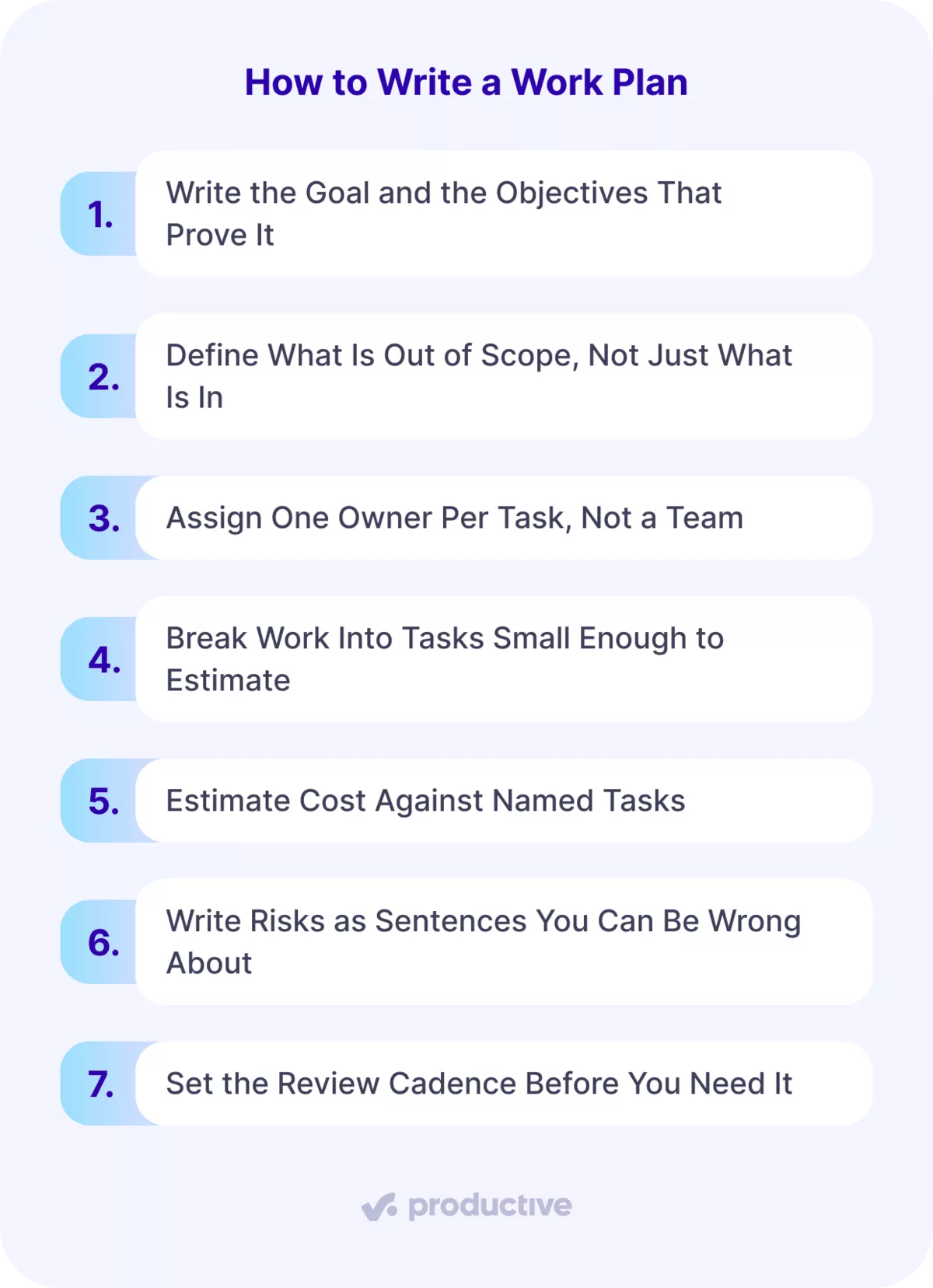
1. Write the Goal and the Objectives That Prove It
One goal, then three to five objectives under it. Project goals state the outcome. Project objectives state how you will know you reached it.
An objective without a number is not an objective. “Rebuild the client’s site” is a goal. “Ship 12 page templates by 12 September” is an objective. Run each through SMART goals (specific, measurable, achievable, relevant, time-bound) and rewrite anything that fails two.
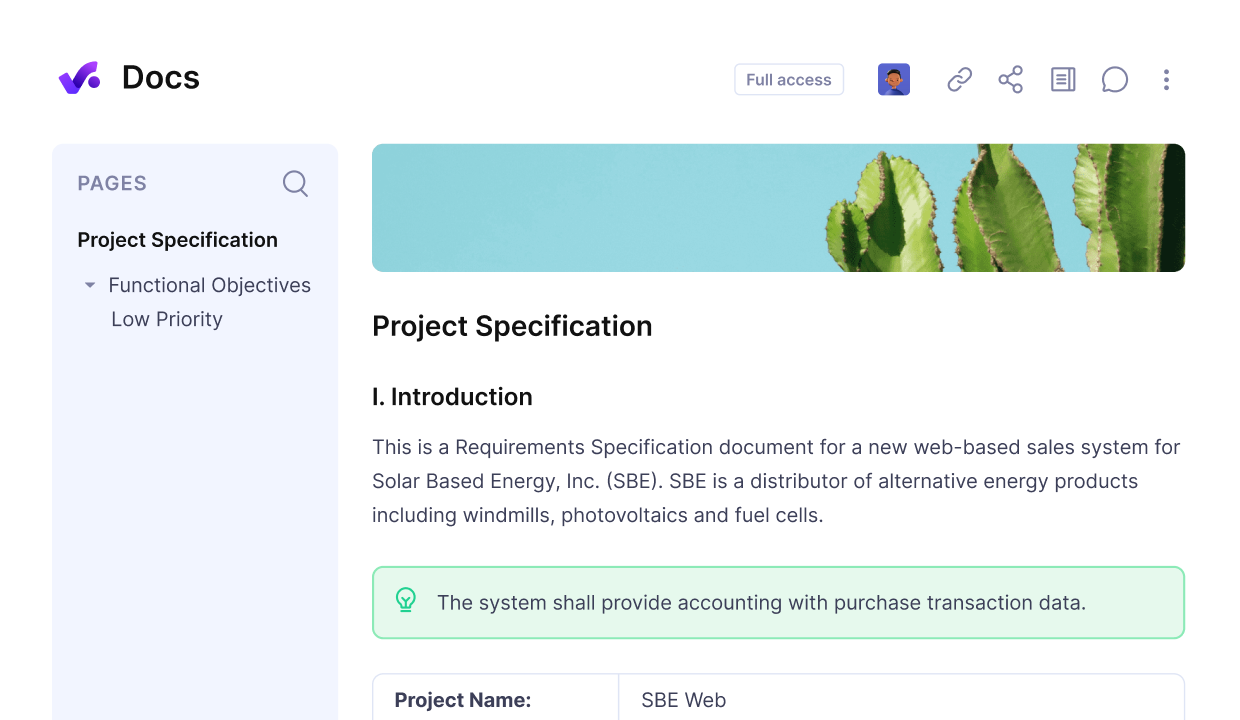
Write, edit, share and collaborate on docs in Productive.
2. Define What Is Out of Scope, Not Just What Is In
The exclusion list is the one people skip, so write it into the work plan first. It is the list you will point at in week six, when scope creep starts to show up.
List your project deliverables, then write what sits just outside them. On a development project, decide what counts as a bug fix and what counts as a new feature.
Do the same for revision rounds: two included, the third billed, agreed before the first draft.
3. Assign One Owner Per Task, Not a Team
Every project task gets one named person. Tasks assigned to “the design team” get picked up by nobody. One owner per task is the simplest rule in project management, and the most skipped.
List approvers separately, since stakeholder engagement is not the same job as delivery. Write roles and responsibilities for freelancers and client-side contacts too.
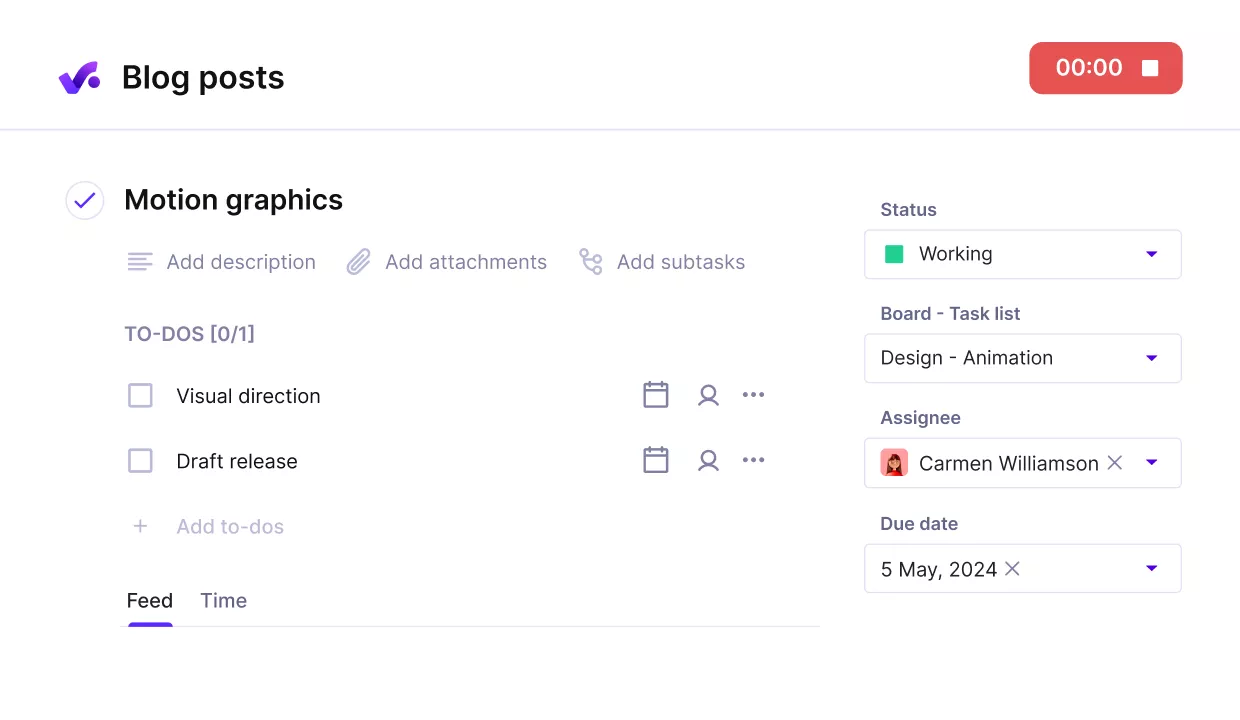
Assign detailed tasks with descriptions, to-do’s, milestones.
Check resource allocation and your wider resource planning before you commit a name. Someone booked at full capacity on another project is not available to this one.
If capacity is hard to see, this roundup of workload management tools helps.
4. Break Work Into Tasks Small Enough to Estimate
If you cannot estimate a task in hours, it is still a phase. Break it down again.
A milestone like “high-fidelity design for the mobile app” holds five tasks. A style guide, key screens, a prototype, a review round, and a dev-ready handoff.
That is the start of a work breakdown structure.
Give each task start and end dates, then mark task dependencies so the deadlines mean something.
Keep task lists short and set project milestones at the end of phases, not on individual tasks.
A Gantt chart draws those dependencies as lines, so a sequence that cannot happen shows up at once. Gantt charts and Kanban boards answer different questions. Gantt charts show the project timeline, Kanban boards show status.
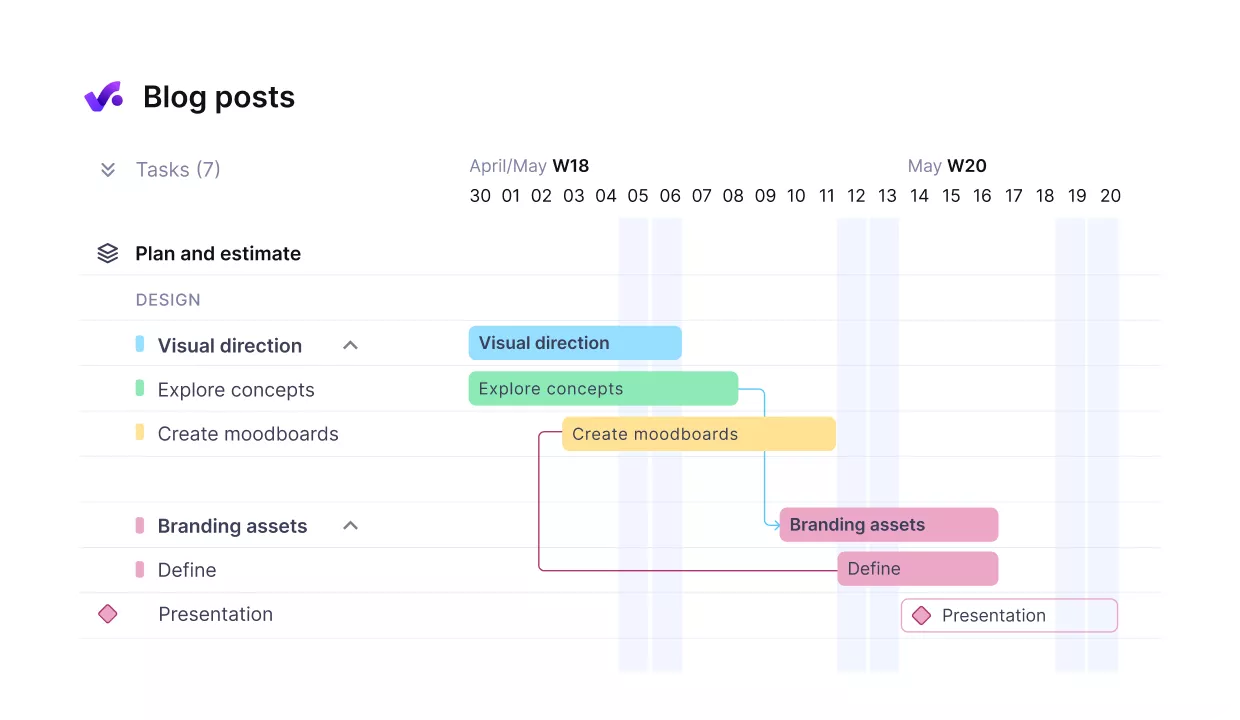
Break up work into dependent tasks with milestones.
This comparison of Gantt chart software covers the options. In Productive, linking related tasks keeps the Gantt chart accurate when one date moves.
5. Estimate Cost Against Named Tasks
Estimate hours per task, then apply your rates across the project. A financial plan costed at phase level hides where the money actually goes.
Add the lines people forget: software licences, contractor time, and ten to fifteen percent contingency. Resource planning costs belong here too. There is more on keeping costs under control on a live project.
Decide which costs the client covers and which are yours. Settle billable against non-billable before the project starts, not at invoicing.
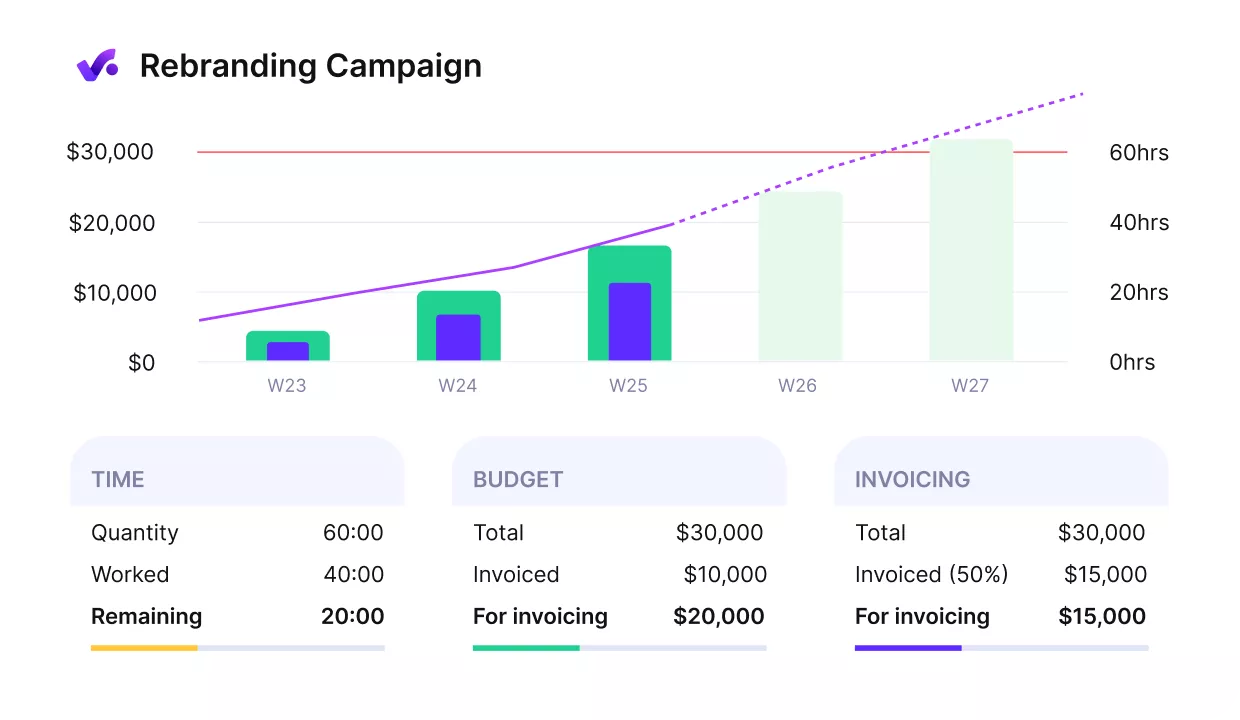
Get early warnings of budget overruns.
6. Write Risks as Sentences You Can Be Wrong About
Risk management belongs in the plan, not in a separate register nobody opens. A risk assessment needs three parts: a trigger, an impact, and a response.
If client approval slips past 12 March, the build starts a week late and launch moves. Response: book a provisional approval call on 10 March.
Good risk management names that response. Contingency plans sit next to the risk they answer, and two real risks beat twenty generic ones.
7. Set the Review Cadence Before You Need It
Pick a review day and time at project kickoff. A Monday review at 10 works, because the week has not committed itself yet.
At the review, compare planned against actual on dates and hours. Progress tracking is that comparison, not collecting status updates. Progress monitoring works when progress reports carry numbers. Our guide on comparing planned hours against actual covers the gap.
Then choose one of three responses: absorb the slip, move the date, or cut scope. Update the project schedule the same day, and log any action items from the review.
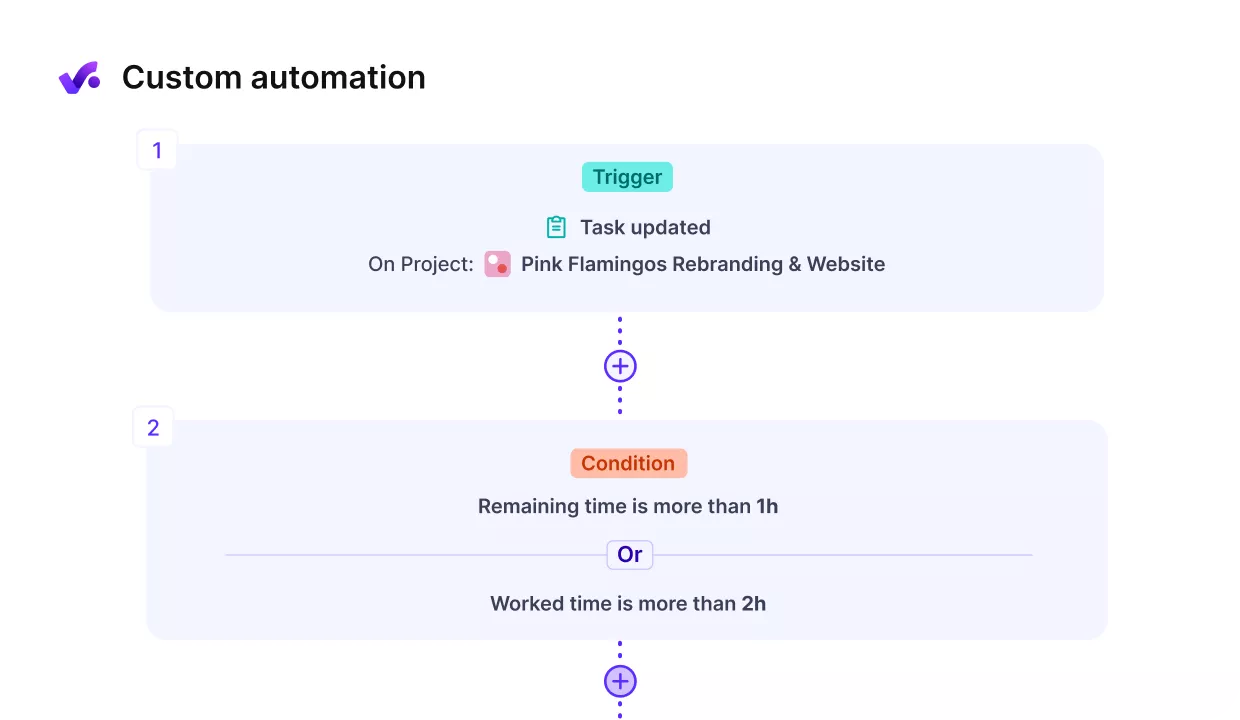
Set up automated reminders for reviews.
Free Project Work Plan Template
This template is built to copy. Paste both tables into a document or a spreadsheet, then replace the example text with your own. They survive a paste into Google Sheets or Microsoft Word with the structure intact.
Anything marked Example is there to show the format. Delete it as you fill in your own project.
Plan Header
| Field | What to enter |
|---|---|
| Project and dates | The client, the piece of work, the day it starts and the day it ships. Example: Northwind site redesign, 1 Sep to 24 Oct |
| Goal | The project outcome in one sentence. Example: let the client publish pages without a developer |
| Objectives | Three to five measurable outcomes, each with a number. Example: 12 page templates shipped, 340 pages migrated |
| In scope | Everything you are delivering. Example: design, build, CMS setup, migration, two revision rounds |
| Out of scope | Everything you are not. Example: copywriting, ongoing SEO, a third revision round |
| Owner and approver | One name for delivery, one for sign-off. The approver is usually client side |
| Budget | Total hours or fee, whichever you bill on. Example: 180 hours |
Task Table
Copy this row once per task and replace the guidance in each cell.
| Phase | Task | Owner | Start | Due | Depends on | Est. (hrs) | Status |
|---|---|---|---|---|---|---|---|
| Group of related project work. Example: Design | One deliverable, small enough to estimate in hours | One name | Day the task starts | Day it is due | The task this one waits on, or None | Hours, not days | Not started, In progress, Blocked, or Done |
Four fields decide whether your work plan holds up.
- Objectives need numbers. Anything you cannot measure belongs under Goal instead.
- Out of scope is the field that saves you later, so write it before you write In scope.
- Depends on is what makes the dates mean anything. Without it, every task looks parallel.
- Estimate goes in hours, not days, because days hide slack.
Keep task lists to one screen per phase. In Productive, the work plan lives on the project itself, so it updates as the work moves.
Fill both tables in and you have a document you can hand to the team.
Examples of Work Plans
Both work plans below cover the same project: the Northwind site redesign, eight weeks, three people. One holds up. The other cannot answer the questions you will actually be asked.
| Field | Good | Bad |
|---|---|---|
| Goal | Replace the marketing site so Northwind can publish pages without a developer | Deliver a great new website for Northwind |
| Objectives | 12 page templates shipped; 340 pages migrated with no broken links | Modern design, fast load times, easy to update |
| In scope | Design, front-end build, CMS setup, content migration, two revision rounds | Full website redesign and build |
| Out of scope | Copywriting, ongoing SEO, a third revision round | Anything not covered in the proposal |
| Owner | Sarah Whitfield | Design team |
| Approver | Northwind marketing lead | Northwind |
| Budget | 180 hours | 8 weeks |
Here is the same task written into each plan.
| Field | Good example | Bad example |
|---|---|---|
| Phase | Design | Design |
| Task | Client review round 1 | Design the site |
| Owner | Northwind marketing lead | Design team |
| Start | 15 Sep | Sep |
| Due | 19 Sep | Sep |
| Depends on | Page layouts | Kick off |
| Est. (hrs) | 4 | 2 weeks |
| Status | In progress | On track |
Good Example
The goal names a desired outcome the client can check, and every objective carries a number. The out of scope line settles the third revision round before anyone asks for it.
Client review is a task with its own dates and owner. The stakeholders who sign off sit inside the plan rather than around it. Estimates are in hours, so the totals check against the 180-hour budget.
Bad Example
Every field is filled, and none of it can be checked.
- The goal cannot be tested. Nobody can hold you to “great” at handover, and nobody can argue with it either.
- The objectives have no numbers. Fast and easy to update are opinions, so no one can say whether they were delivered.
- Out of scope points at the proposal. That document has the same gap, so the fourth revision round in week five has no answer.
- The owner is a team. Work assigned to “Design team” gets picked up by nobody, because responsibility is shared until it is not.
- Depends on names phases, not tasks. You cannot tell which piece of work is blocking, only that something upstream is late.
- Estimates are in weeks. A week hides forty hours of slack, so the deadlines cannot be defended when they move.
- Every status reads On track. It stays that way until the week it does not, which is the week nobody planned for.
These gaps repeat because most agencies rebuild the work plan from memory on every project. In Productive, project and task templates save the phases, tasks, and owners from a plan that worked.
Final Thoughts: How to Create a Bulletproof Work Plan
Write the work plan so every line can be checked. Numbered objectives, one owner per task, linked dates, and a written response for each risk.
An all-in-one tool like Productive keeps the plan beside the tasks, hours, and budget it describes. Book a demo if you want to see that running on your own projects.
Write the plan once, then run the project from it.
Productive holds tasks, hours and budgets on the same project, so the plan you wrote is the plan your team works from.
