Scope Creep in Project Management – Causes, Signs & Fixes

Scope creep is what happens when a project keeps growing past what anyone agreed to deliver. It builds from small adjustments that accumulate over time, and ends in budget overruns.
This guide covers what scope creep in project management is, when it starts, and what causes it. You also get a worked example, the signals in your own project data, and how to stop scope creep.
Key Takeaways:
- Scope creep is uncontrolled expansion, not change itself. Reviewed and repriced project changes are not creep.
- What creep costs depends on how you priced the work. Fixed fee, time and materials, and retainers hide it differently.
- The fix is a trade, not a refusal. Every approved addition means something else moves in the project plan.
- Scope creep shows in your project data before it shows in your inbox.
What Is Scope Creep?
Scope creep in project management is the uncontrolled expansion of a project’s scope after work has started. It happens without a matching change to the timeline, the budget, or the resources assigned. The work grows. What pays for it does not.
That gap is scope creep.
Requirements change constantly on healthy projects. A client learns something in week three that changes the brief. What turns that change into scope creep is that nobody reviewed it, nobody repriced it, and nobody moved the date.
Setting those rules up front is the job of a plan for managing project scope.
With an approved change, the cost lands on the invoice. With scope creep it lands on your team.
What Is the Difference Between Scope Creep and Scope Change?
The difference between scope creep and a scope change is approval. One went through a process. The other did not.
| Differentiator | Creep | Approved change | What to do? |
|---|---|---|---|
| Approval | Nobody signed off | Reviewed and signed off | Route the request through change control before work starts |
| Budget and timeline | Absorbed by the team | Repriced and rescheduled | Quote the hours and the new date before you agree |
| Visibility | Surfaces at the end | Visible the moment it lands | Log every change request the day it arrives, including the ones you decline |
| Record | Lives in a message thread | Logged as a change order | Raise a change order so the decision has an owner and a date |
The same request can be either one. What decides it is whether it went through a process first. Scope creep is the version nobody agreed to pay for.
When Does Scope Expansion Start?
Scope expansion starts at three predictable points in a project: after discovery, mid-build, and close to delivery. Each one arrives with its own justification, which is why the scope grows before anyone notices.
- After discovery. The client sees the first draft and the abstract becomes concrete. This is the most common one on client projects. The request arrives as a clarification rather than an addition, so it gets built before anyone prices it.
- Mid-build. The team hits a constraint and builds a workaround. Nobody asked for this one. Your team created it, and it never reaches the project plan.
- Near delivery. Edge cases and polish turn into must-haves. The ask is to finish properly, so pushing back feels petty while deliverables grow and the project date holds.
Watch those three moments and you catch scope creep while it is still one request.
What Causes Scope Creep?
Scope creep is caused by five things: a scope document that never listed what was excluded, an estimate written by someone who will not deliver the work, requests that arrive through side channels, too many people with the authority to say yes, and work your own team adds without being asked.
Each of these causes scope creep differently, so each needs its own fix.
Reason 1: The Scope Was Never Written Down Properly
Your statement of work lists what you will deliver. It almost never lists what you will not. Nobody wrote down that stock photography is excluded, or that the project allows two revision rounds. Anything you leave unstated is something the client can ask for later without paying.
That is where most scope creep begins. You have no document to point at when you want the hours back.

Document project goals, the scope definition and scope statements in Productive.
Add an exclusions block to the project scope statement. Three to five lines is enough: formats you will not produce, revision rounds included, and who supplies project inputs. Productive’s budgeting tools keep out-of-scope work on its own budget, so extra requests get priced instead of absorbed.
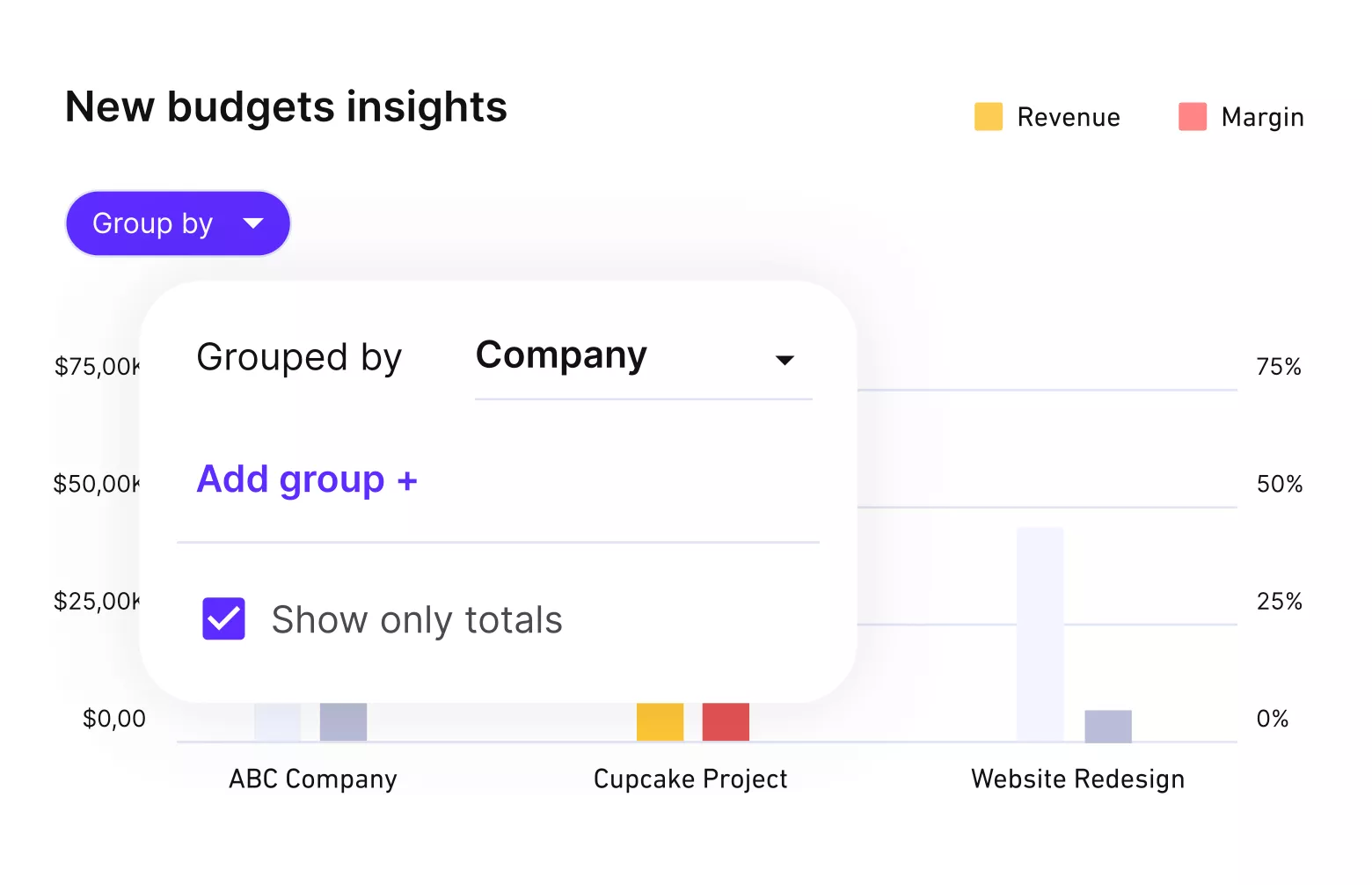
Productive helps you track budget spend and change requests.
Reason 2: The Estimate and the Delivery Were Done by Different People
One person handles cost estimation and prices the job. A different team delivers the project. The delivery team gets a fixed budget and a set number of hours it never agreed to. Those hours do not cover the work, so the team makes up the difference.
This is scope creep created at the estimate, not by the client.
Have whoever delivers the work sign off the estimate first. If that is not possible, compare hours worked to hours quoted in week one. Raise the gap as a repricing conversation, not a delivery problem. If the numbers keep coming in short, start with our guide on project estimation techniques.
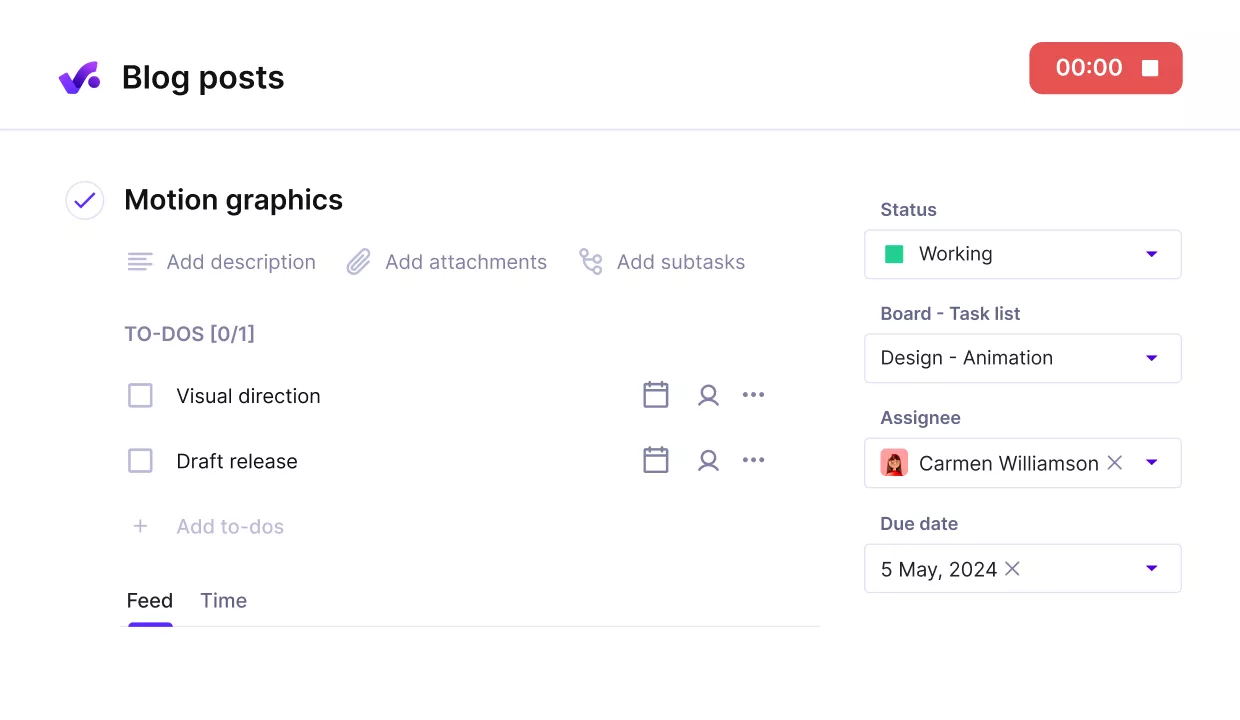
Add acceptance criteria, assignees and log stakeholder requests directly on tasks.
Write acceptance criteria for each deliverable, so requirements gathering stops when work starts. Keep them in a requirements management plan so nothing gets reopened later.
Productive shows the delivery team the hours the job was sold with, so the gap surfaces in week one.
Reason 3: Requests Arrive Through Side Channels
A client messages a designer directly. A stakeholder catches a developer after standup. The project work starts within the hour, nobody logs it, and the budget owner finds out at month end. Hours that never get logged against a budget cannot be measured. This is the quietest form of scope creep.
The rule is not that people should stop asking in chat. No project work starts until it exists as a budget line with hours and a price.
Anything arriving elsewhere becomes out-of-scope work first.
Productive can stop time being tracked once a service hits its limit, so unpriced work cannot quietly run on.
Reason 4: Too Many People Can Say Yes
Three project stakeholders on the client side, none of them the decision maker, all giving feedback. That is a stakeholder engagement problem before it is a scope problem. Internally, a producer approves an extra round because the client sounded unhappy and it felt small.
- Conflicting expectations produce revision cycles, and each cycle burns hours nobody added to the budget. Multi-year retainers are the worst version, because the budgeted hours change between renewals while delivery habits do not.
- Name one approver on each side and put both names in the scope document. On your side that is usually the project manager. Both should be able to state the project goals in the same words.
Then set a threshold above which nobody approves alone. Anything over four hours goes to the budget owner. Our client management guide covers how to agree that with a client early, and how to structure your change control process.
Reason 5: The Team Adds Work Nobody Asked For
A developer refactors something adjacent to the project. A designer explores a third direction because the second felt weak. Someone spends half a day preparing for a workshop that was never budgeted. It gets logged as an extra task with a zero-hour estimate.
Tasks with a zero estimate are the most expensive kind. The hours are real. The budget line is not. Ban them. Every project task worth doing gets an hour estimate, however rough, even when it is not billable.
Productive keeps unbillable internal work visible as cost, so the hours your team adds do not disappear.
Stop Scope Creep Before It Eats Your Margin
Productive warns the budget owner before the hours run out, so every extra request gets priced instead of absorbed.

Why Is Uncontrolled Scope a Pricing Problem, Not a Discipline Problem?
Uncontrolled scope is a pricing problem because the cost of scope creep depends on how you sold the job. Two teams with identical discipline can land very different margins.
- On a fixed fee, the extra hours come straight out of your margin. The invoice does not change, so the loss only shows up in how project profitability is calculated. Fixed fee creep is the most expensive kind because nothing forces the decision.
- On time and materials, those hours are billable, so the money is recoverable. The cost lands on an invoice the client was not expecting, and deadlines still slip. You have turned a delivery problem into a trust problem. Better than losing the money, harder to explain.
- On a retainer, the extra hours disappear inside a fixed monthly fee. Project managers rarely record them because the deliverables were never itemized tightly enough to notice. The same overrun repeats monthly, and the account looks healthy until someone compares hours worked to the fee.
So “define scope better” is only half the advice.
Check the project budget against the billing model before you blame the team. Our guide to managing project budgets covers how to set one that holds.
How you priced the work decides what scope creep costs you and how long it stays hidden.
What’s a Good Example of Scope Creep?
A good example of scope creep is a fixed-fee build where every added request looked reasonable on its own.
A software development agency agreed to build a customer portal for $48,000 over twelve weeks. The project deliverables were login, a dashboard, invoice history and a support form, estimated at 480 hours.
Four requests arrived during the project. None was refused and none was priced.
- After the first demo, the client asked for a second user role, framed as a clarification.
- In week five, the team hit a payment provider limitation and built a workaround.
- In week eight, the client asked for CSV export, described as just a button.
- In week ten, the dashboard came back for a third design round after sign-off.
That is scope creep, and here is what it cost.
| Line item | Hours quoted | Hours worked |
|---|---|---|
| Login and user roles | 80 | 150 |
| Dashboard | 140 | 210 |
| Invoice history | 125 | 185 |
| Support form | 60 | 65 |
| Testing and QA | 80 | 110 |
| Total | 480 | 720 |
That is 240 unbilled hours, or $24,000 of margin at $100 per hour. The portal shipped two weeks late, and the schedule delays pushed the next project back. Our roundup of project budget management tools covers what catches this earlier.
Every request was judged on its own and every one was small.
Nobody compared the project total to the 480 hours sold. A change order at any of those four moments would have stopped it.
So would a weekly check of hours worked against hours quoted.
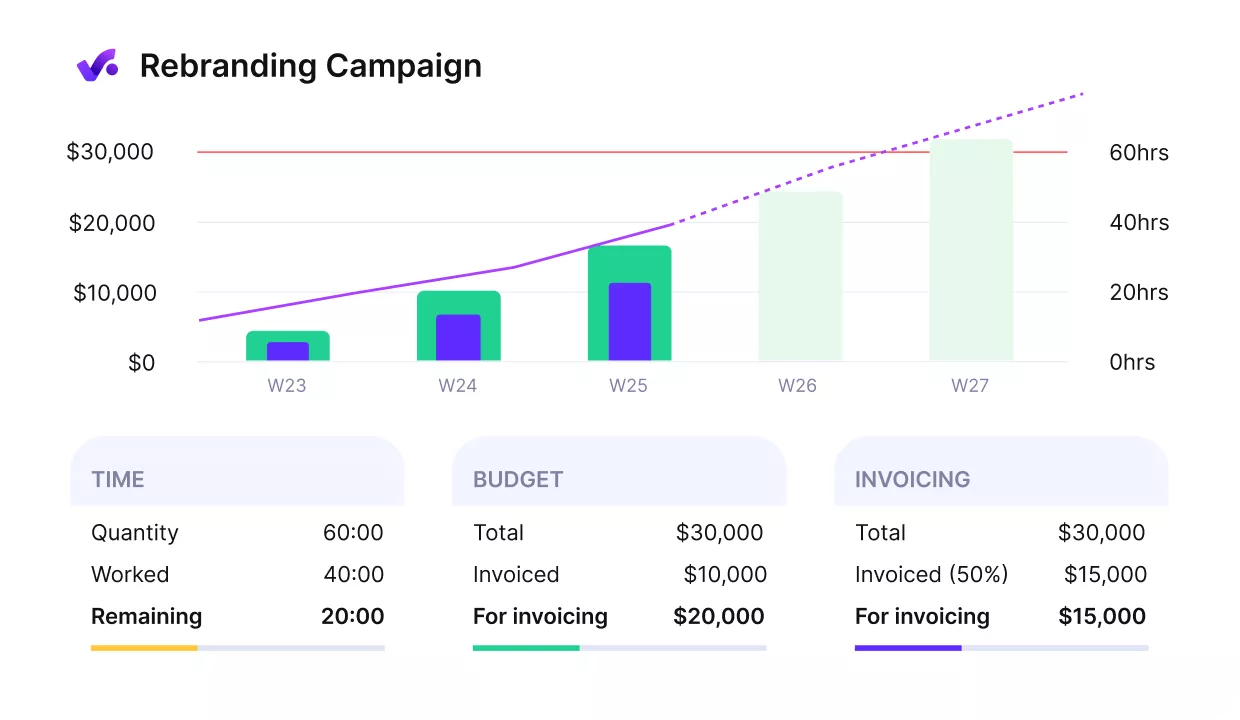
Productive gives you early warnings of budget overruns.
How Do You Prevent Scope Creep?
You prevent scope creep by making sure every project request gets priced before anyone starts working on it. That is a process problem, not a discipline problem. Four controls do most of the work, and none of them requires you to refuse a client.
A project management software holds all four in one place. It keeps the project scope, the estimated hours and the approvals on the same budget.
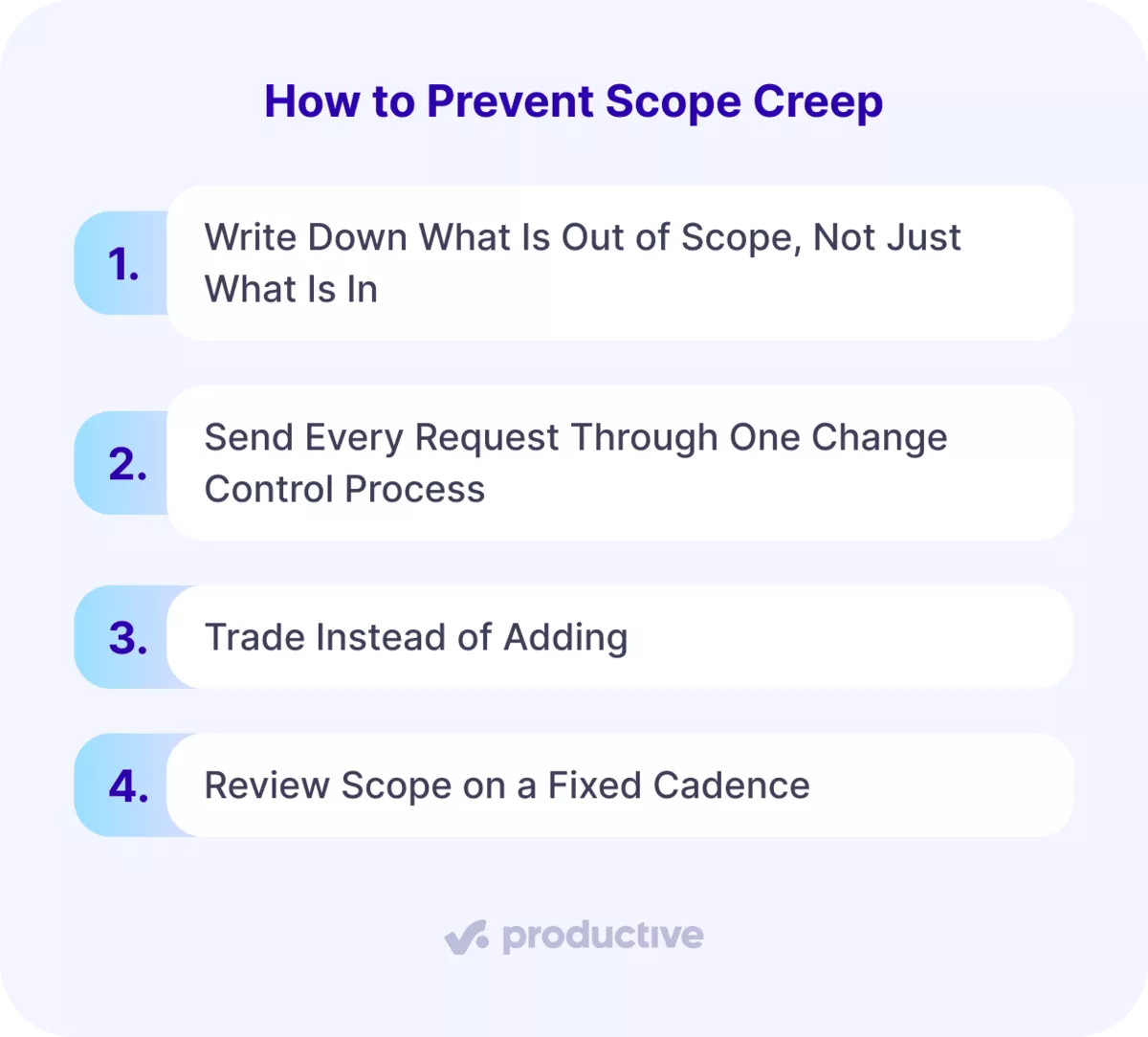
Tip 1: Write Down What Is Out of Scope, Not Just What Is In
Most project scope documents list what is included. The ones that stop scope creep list what is not. Write the boundary in plain terms (e.g., stock imagery is excluded, or the client supplies copy, or two revision rounds per deliverable, etc.)
Put those lines in the scope management plan and repeat them in the kickoff email.
A requirements management plan does the same job for what the client must supply. Productive has a docs feature, so the agreed scope and its exclusions are in the same workspace as the project.
Tip 2: Send Every Request Through One Change Control Process
One route in for the whole project team, no matter who asks or where they ask. Capture the request. Work out the hours and the effect on the date. Decide, record it, and update the plan.
Those five steps are your change control process. For an overview of workflow approval software, we compared the main options.
Keep it fast enough that raising a project change order takes ten minutes. Without change control, every extra request is a favor, and favors never reach the budget.
Productive collects requests through forms, so every ask arrives by the same route.
Tip 3: Trade Instead of Adding
If a request is approved, something has to move. Cut work elsewhere in the same project milestone, push the date with the client’s approval, or add budget. A yes with nothing attached to it quietly becomes the new plan.
Naming the trade hands the project decision back to the person asking, which is easier than refusing them. Productive has a feature called Scenario Builder that shows what a trade costs you before you agree to it.
Tip 4: Review Scope on a Fixed Cadence
Book ten minutes a week to compare project delivery against the plan, plus anything that arrived in neither. Run the check on a Gantt chart so slipped dates sit next to the work. Most teams find the problem in the retrospective, when nothing can be done about it.
A weekly check catches the extra hours while they are still billable.
Our review of the best project management software covers which tools show both in one view. Productive puts hours worked next to hours estimated, so the check takes one screen.
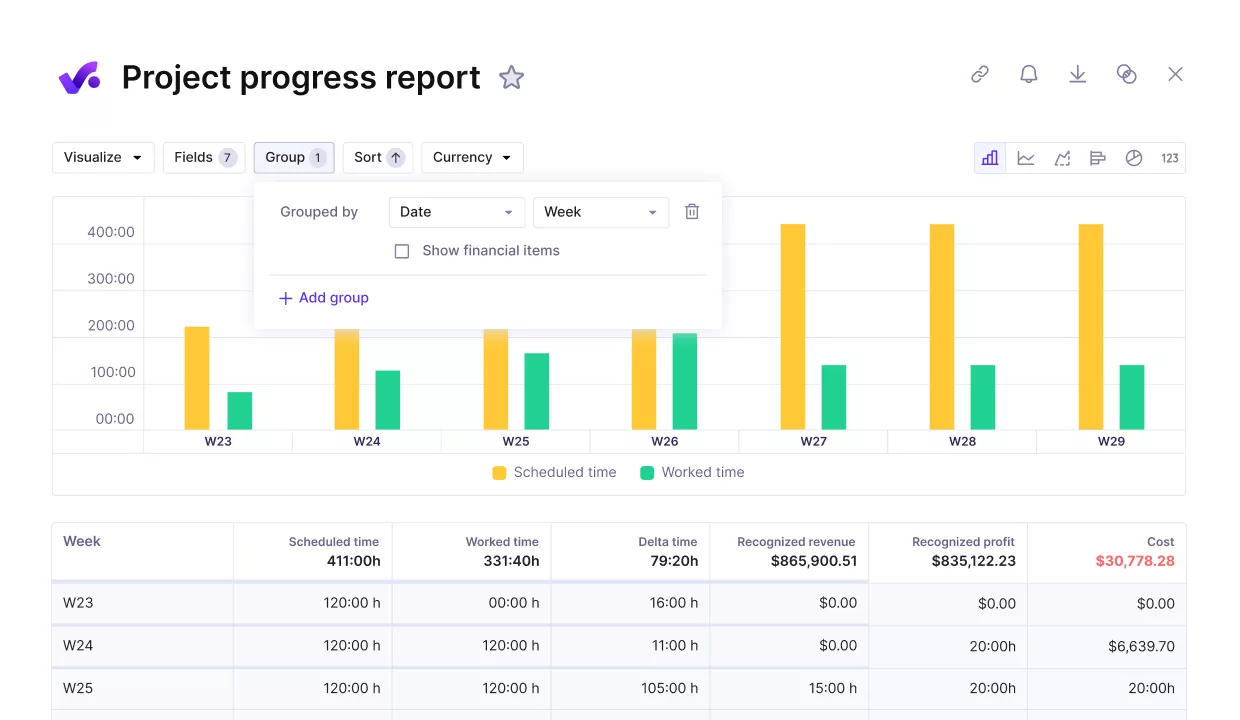
Compare your project’s progress against key performance and financial metrics.
How Do You Spot Scope Drift in Your Project Data?
You can spot scope drift in your project data by comparing three numbers every week: hours burned against work completed, hours logged against tasks that were already signed off, and non-billable time on a billable project.
Each one moves before a client says anything.
- Hours burned against work completed. Sixty percent of the budget gone against forty percent of deliverables done is creep or a bad estimate. Both need the same conversation while hours remain. How to track project progress explains how to compare the two. Burndown charts show the same gap in sprints, and a Gantt chart shows it on a fixed timeline.
- Hours logged against tasks already signed off. A finished task collecting more time was reopened. Reopened work is new work nobody priced. It usually arrives as a revision, so it never reaches the change log.
- Non-billable time climbing on a billable project. Calls, revisions and rework drifting into the non-billable column is scope creep nobody will ever invoice. If that column grows every week, you are over-servicing the account whatever the deliverables say.
Productive warns the budget owner before the hours run out, while there is still time to price the work. Project managers who watch the numbers weekly get a decision. The ones who wait for the retrospective get an explanation.
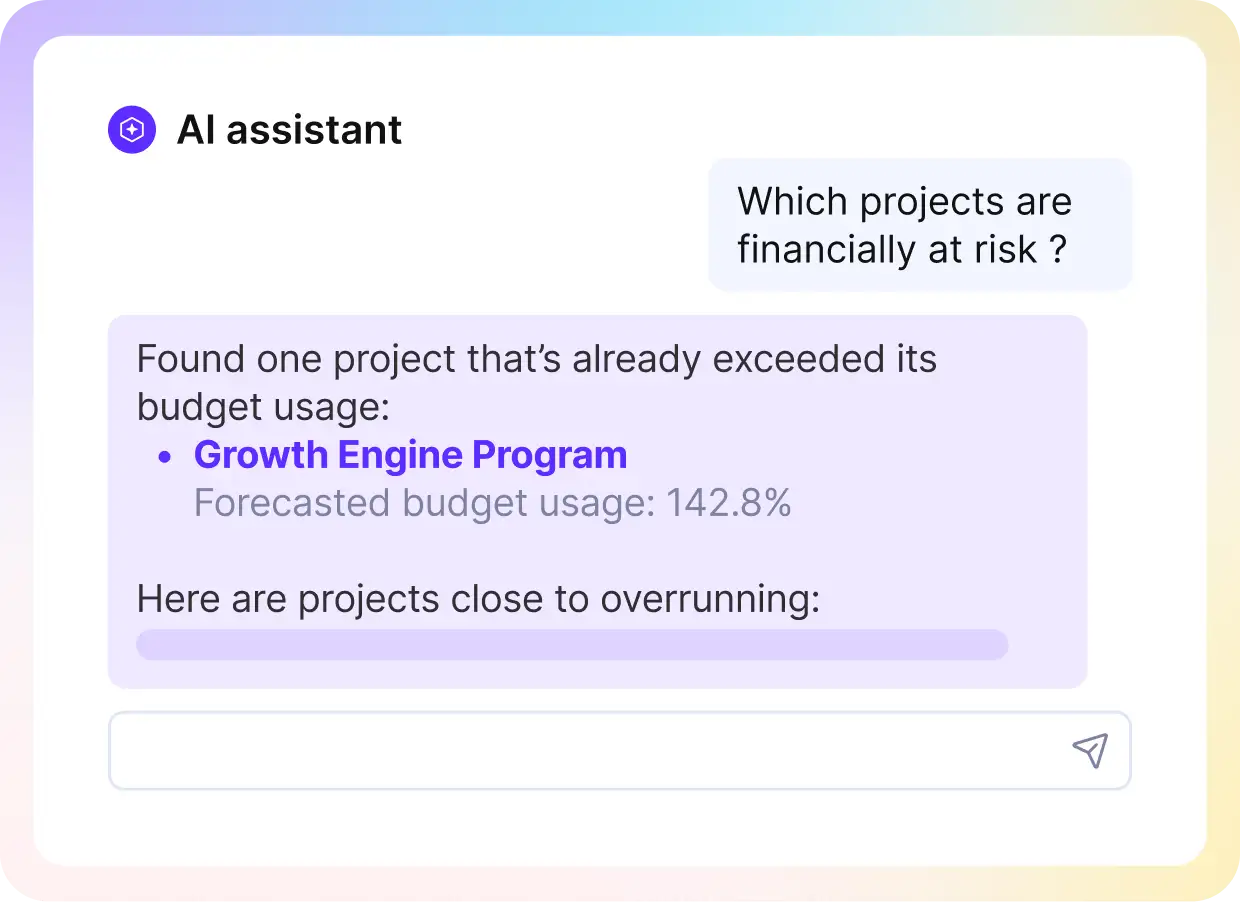
Ask the finance assistant in plain language which projects or clients are at risk of loosing money.
How Do You Recover When Project Scope Has Already Grown?
The best way to recover from scope creep is to reset the plan around it, and decide what moves. That sequence is the project manager’s job, not the client’s.
Do those three in order, because compressing a schedule before you know the real number just hides the problem.
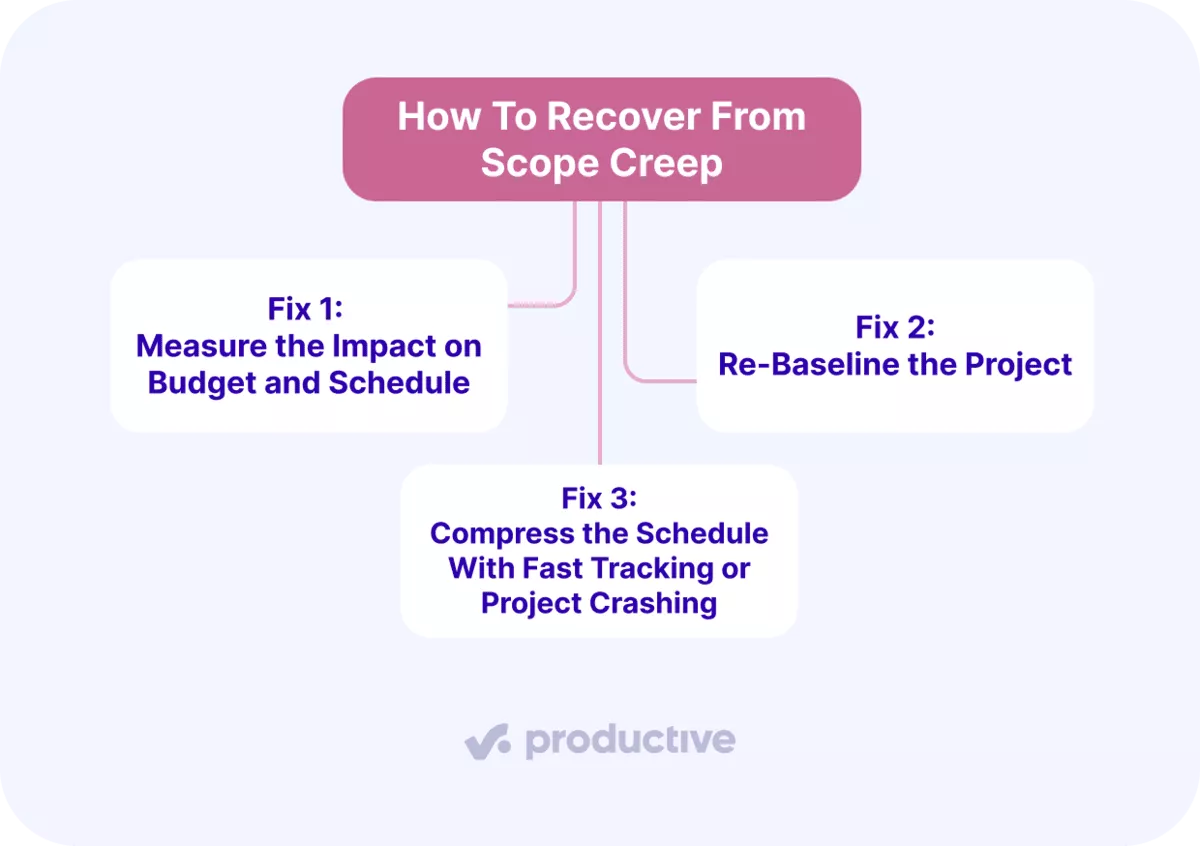
Fix 1: Measure the Impact on Budget and Schedule
Compare actuals against the original plan for hours, cost and dates before you talk to anyone. Note which project milestones moved, how many hours the additions consumed, and what resource allocation changed to cover them.
That last one is the cost most teams forget to count. Productive’s time tracking gives you hours worked, hours quoted and the profit left in one place, so measuring takes minutes.
Fix 2: Re-Baseline the Project
Set a new plan that matches what the project actually is now. Update the project scope document, the dates and the budget together, then get stakeholder sign-off on the new version. Version the project documentation so the old plan stays traceable.
A plan nobody agreed to is not a plan, and every later variance gets measured against it. Productive lets you reset the budget, so the team tracks the new plan instead of the old one.
Fix 3: Compress the Schedule With Fast Tracking or Project Crashing
Project managers have two techniques for buying time. Fast tracking runs tasks in parallel that were planned in sequence. It only works where the dependency is soft, and it raises rework risk.
Project crashing adds people to critical path activities, which costs more. Past a point, project crashing slows the work down.
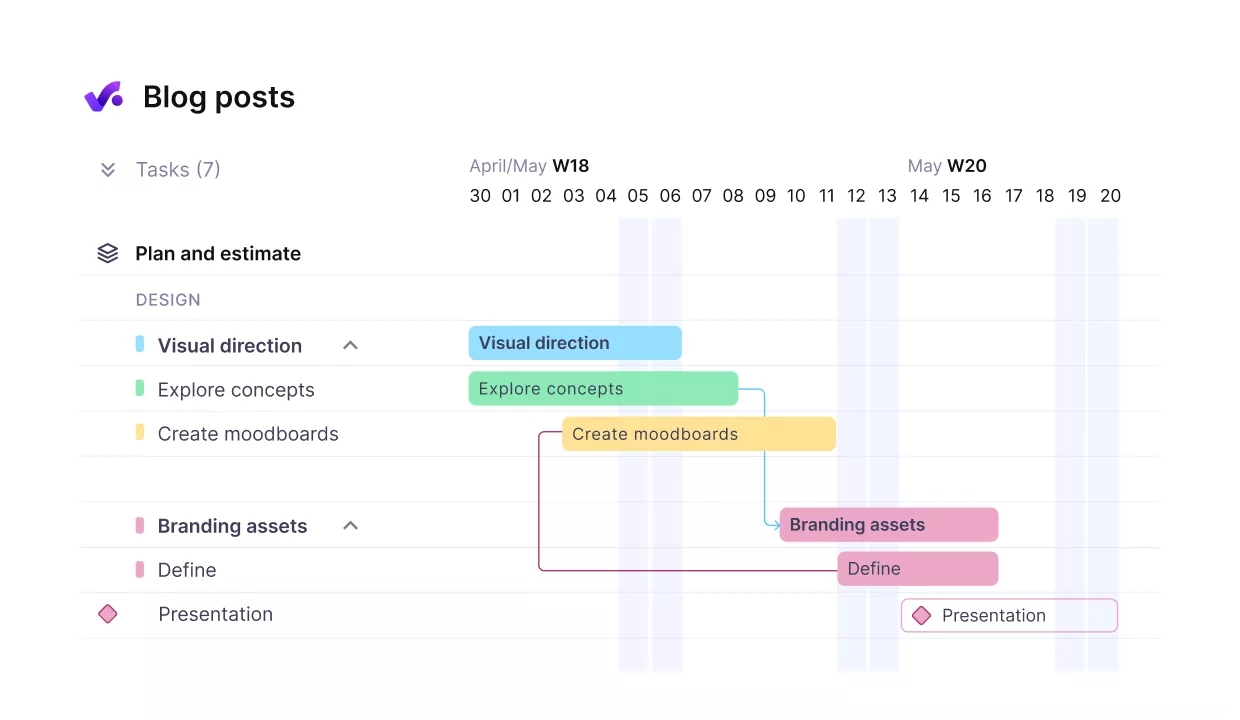
Break up work into connected phases with dependent tasks.
Both are project schedule compression, and neither reduces scope, so neither replaces the trade. Productive’s Resource Planner shows who actually has capacity before you commit anyone.
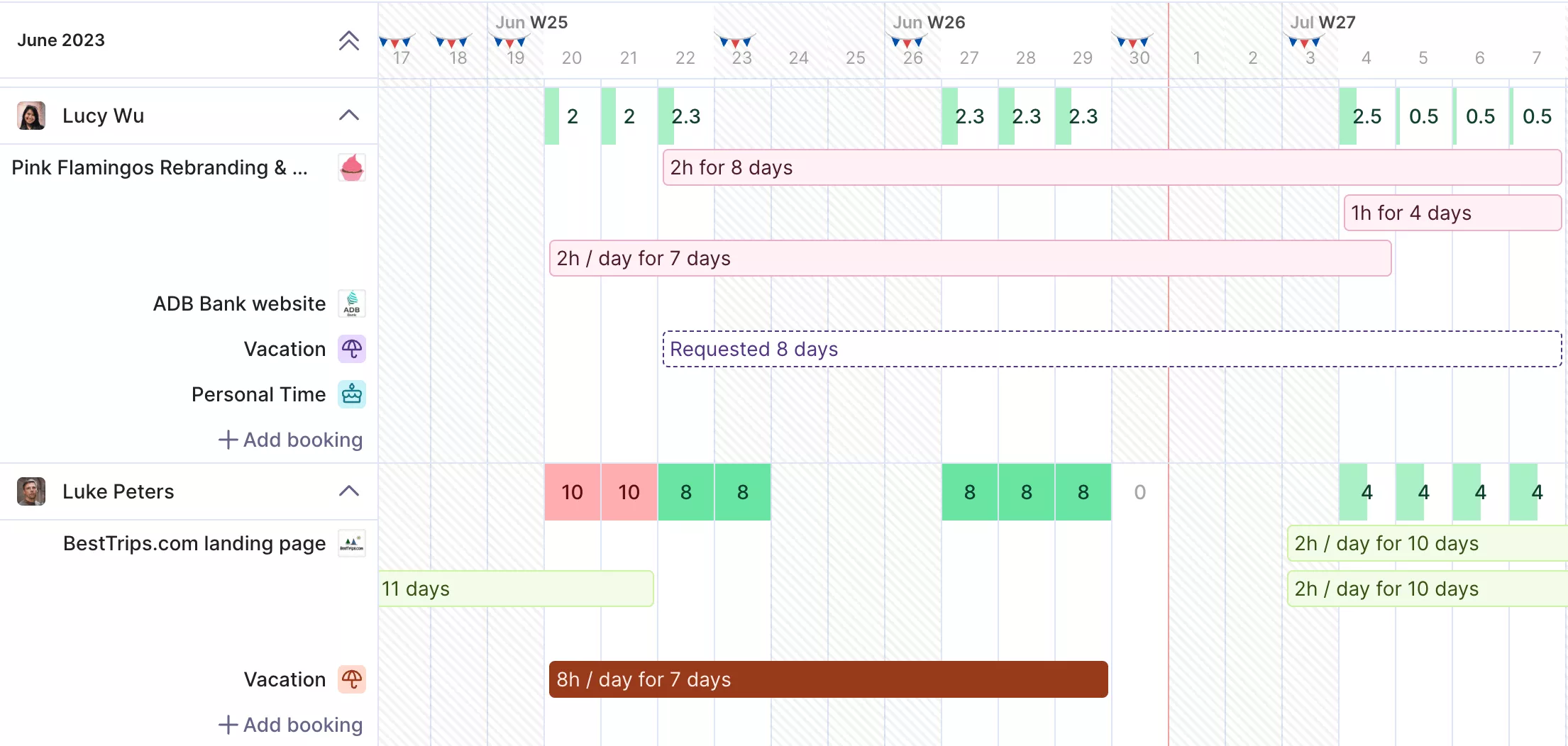
Schedule the right people at the right time with Productive’s Resource Planner.
Final Thoughts
Scope creep is a sign that requests can reach your team before they reach a budget or a scope document. Close that gap and most of the problem closes with it.
A tool like Productive makes that easier because the work is tracked as it happens. You get a warning before a budget runs out, and past projects tell you which estimates were wrong. Project success starts with pricing the next request before anyone opens a file.
Book a demo if you want to see it on your own numbers.
Connect With Agency Peers
Access agency-related Slack channels, exchange business insights, and join in on members-only live sessions.

Frequently Asked Questions
Is scope creep always bad?
Scope creep is not always bad. Some project expansion is unavoidable, and absorbing a small request can be the right commercial call. What makes it damaging is that nobody decided.
What is the difference between scope creep and over-servicing?
The difference between scope creep and overservicing is who asked. Scope creep is work the client requested. Overservicing is project work you volunteered, so there is no request to trace it back to.
Who is responsible for preventing scope creep?
The project manager is responsible for preventing scope creep. That control only holds if the whole project team uses the same process. One designer saying yes directly to a client bypasses your change control.
How do you say no to a client without damaging the relationship?
You say no to a client by pricing the request instead of refusing it. Tell them the project hours it costs and the date it moves. Then ask what comes out to make room.
What is the first sign that scope is growing?
The first sign that scope is growing is project hours running ahead of work completed. Sixty percent of the budget gone against forty percent of deliverables done means something entered unpriced. That gap shows weeks before a client mentions anything.