for free
Free 14-day trial. No credit card required.
Cancel any time.
Already using Productive?
RESOURCE PLANNING
Allocate Work Smarter and Keep Projects on Track
Everything you need to get resourcing right: visibility into team workloads, scheduling tied to project financials, and time off built right in.


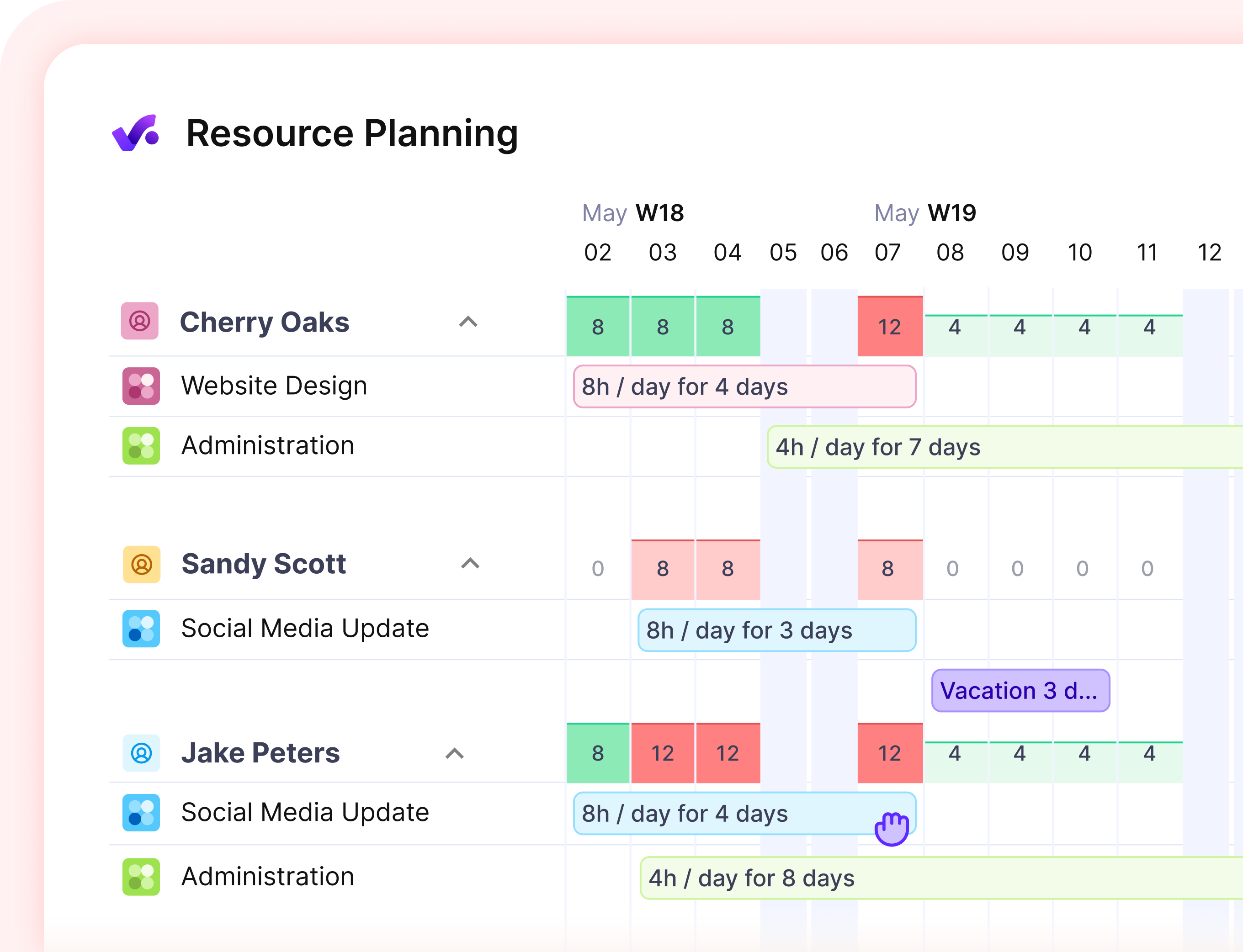
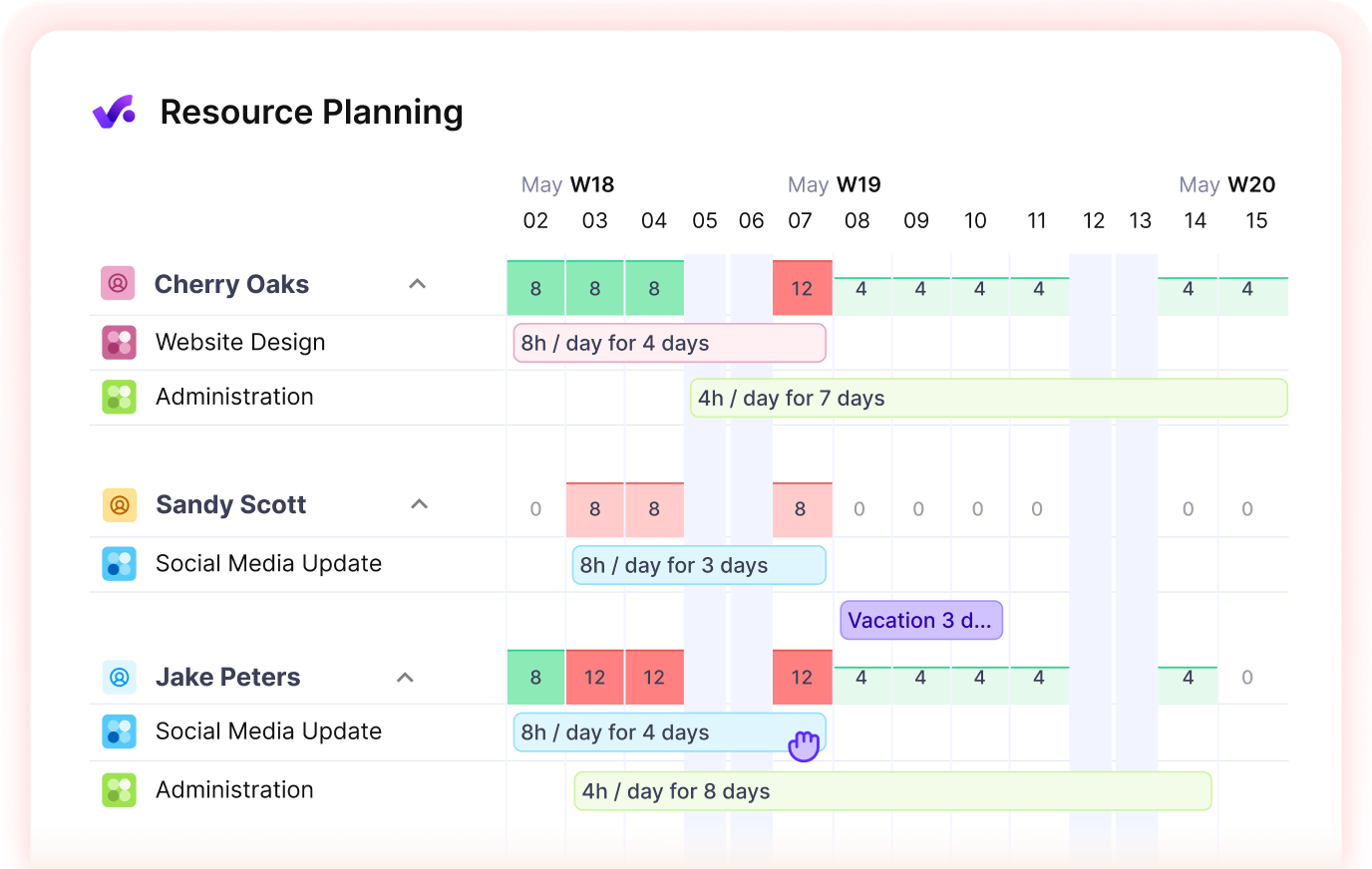
Plan Resources On Data, Not Gut Feeling
It’s not you, it’s your processes: scattered spreadsheets and multiple projects you’re balancing without visibility. Productive gives you the real numbers to staff with confidence.

Schedule the Right Person
Stop guessing who has room to take on more. See who’s available to work and prevent scheduling conflicts.

See How Time Is Spent
Set targets for team and individual utilization. Compare how time is actually spent with how it should be allocated.

Keep Budgets on Track
Know what every scheduled hour really costs, so you can catch a project drifting over budget while there's still time to fix it.
Plan Every Project With People and Budgets in View
01 - capacity & team workloads
See Who’s Busy and Who Needs More Work
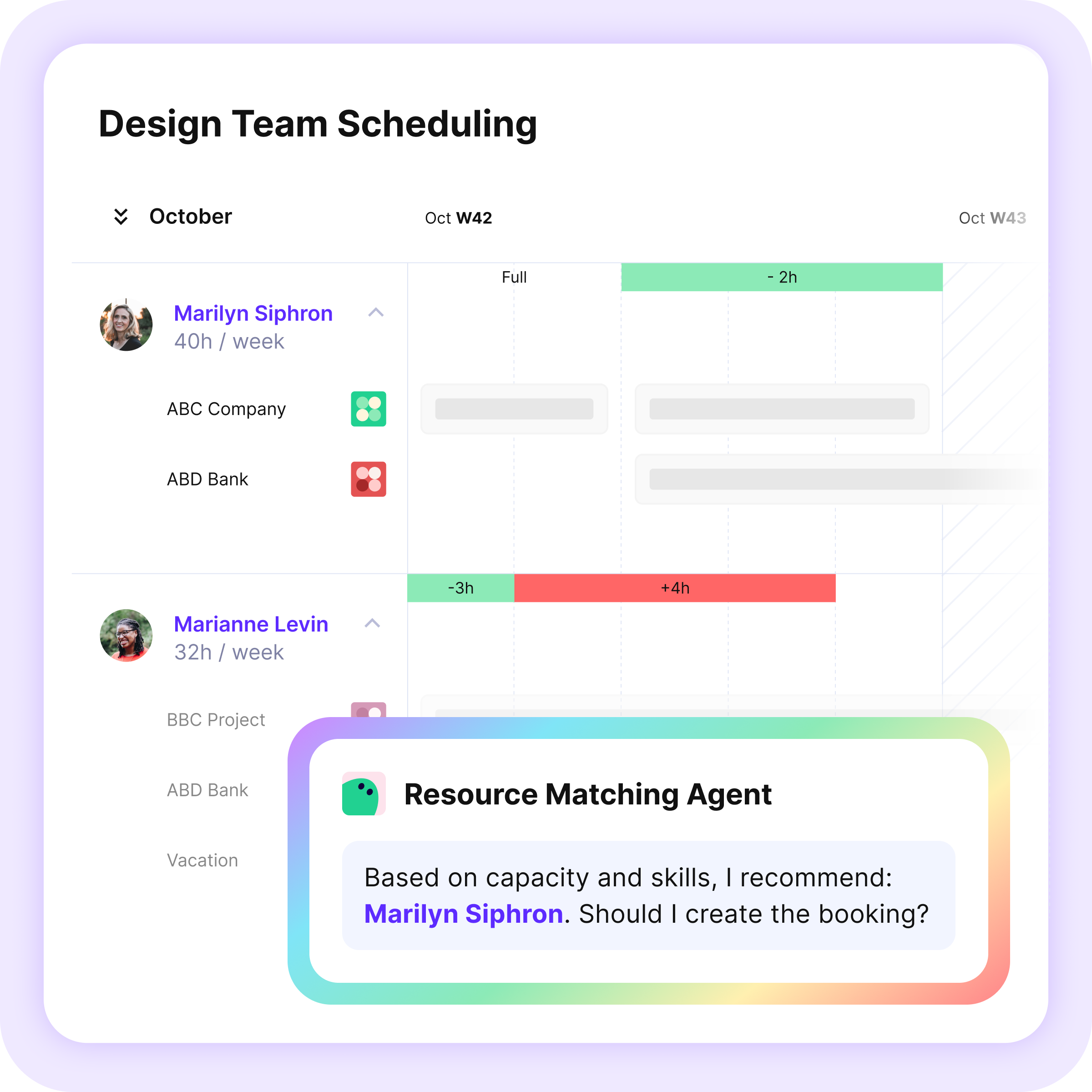
Manage resourcing across multiple projects. Visual capacity indicators help you quickly spot who’s overbooked, and AI surfaces insights on who’s available to work right away — just ask.
02 - utilization & Financial forecasting
Monitor and Forecast Project Performance
Robust reporting on capacity, utilization, and project financials helps you spot gaps early, keep teams profitable, and take on new work with confidence.

.webp)
03 - availability & Time off
Manage Time Off Where Work Happens
Manage requests and approvals in Productive. Approved time off updates availability, so your resource plans and utilization reflect who's actually there. Already using an HR system? Sync time off with Integrations.
.webp)
Delegate Resourcing to Agents, Consider It Done.
Agents are your custom-built, virtual assistants. Give them instructions and let them handle the repetitive tasks, so you can focus on work that brings value.

Resourcing Assistant
Your resourcing specialist that compares needs to available resources, finds the best match, and creates the schedule for you.
.webp)
Time Off Coordinator
Supports time off management with information on team capacity, assigned tasks, and best processes.
.webp)
Records Manager
Keeps employee data accurate and up to date, such as applying annual salary adjustments or updating titles in bulk.
Explore Additional Resourcing Features

.webp)
Scenario Builder
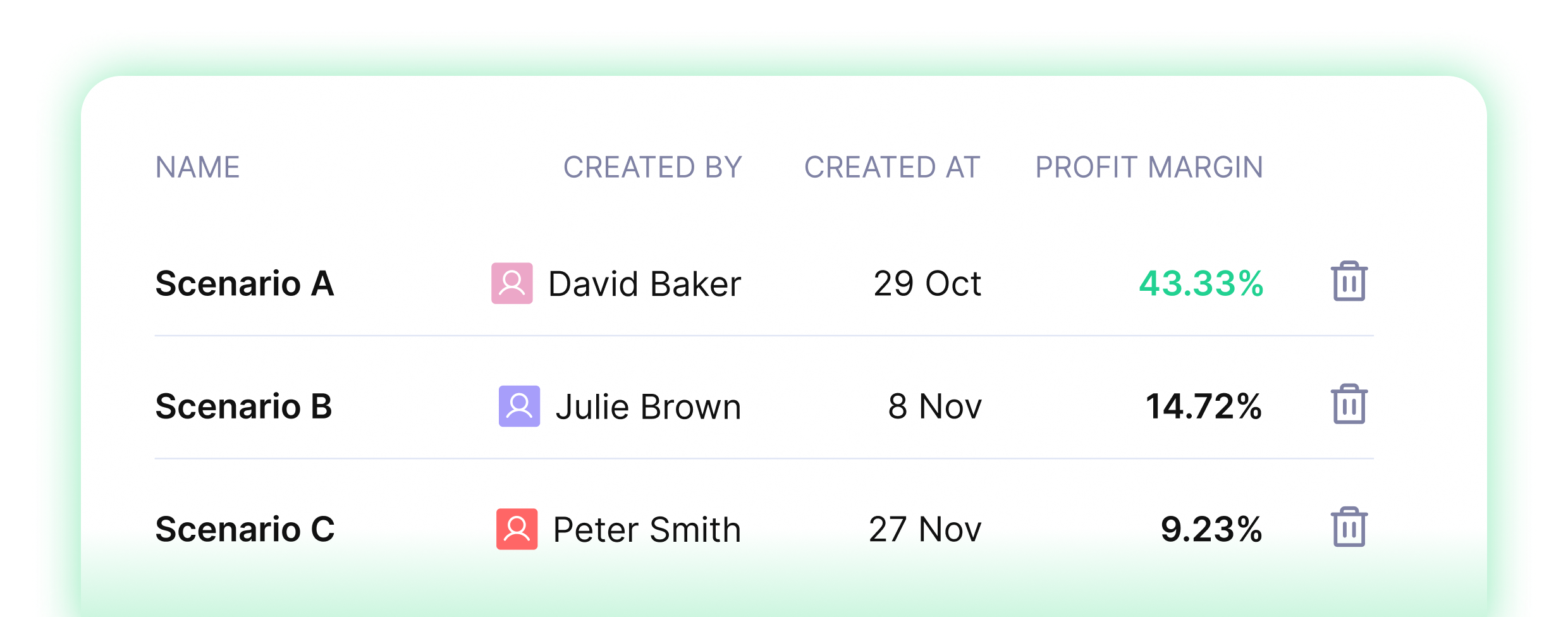
Model different project scenarios by adjusting who does the work, when they can start, and how much it will cost. Compare all possible outcomes side by side, and choose the most logical path forward.
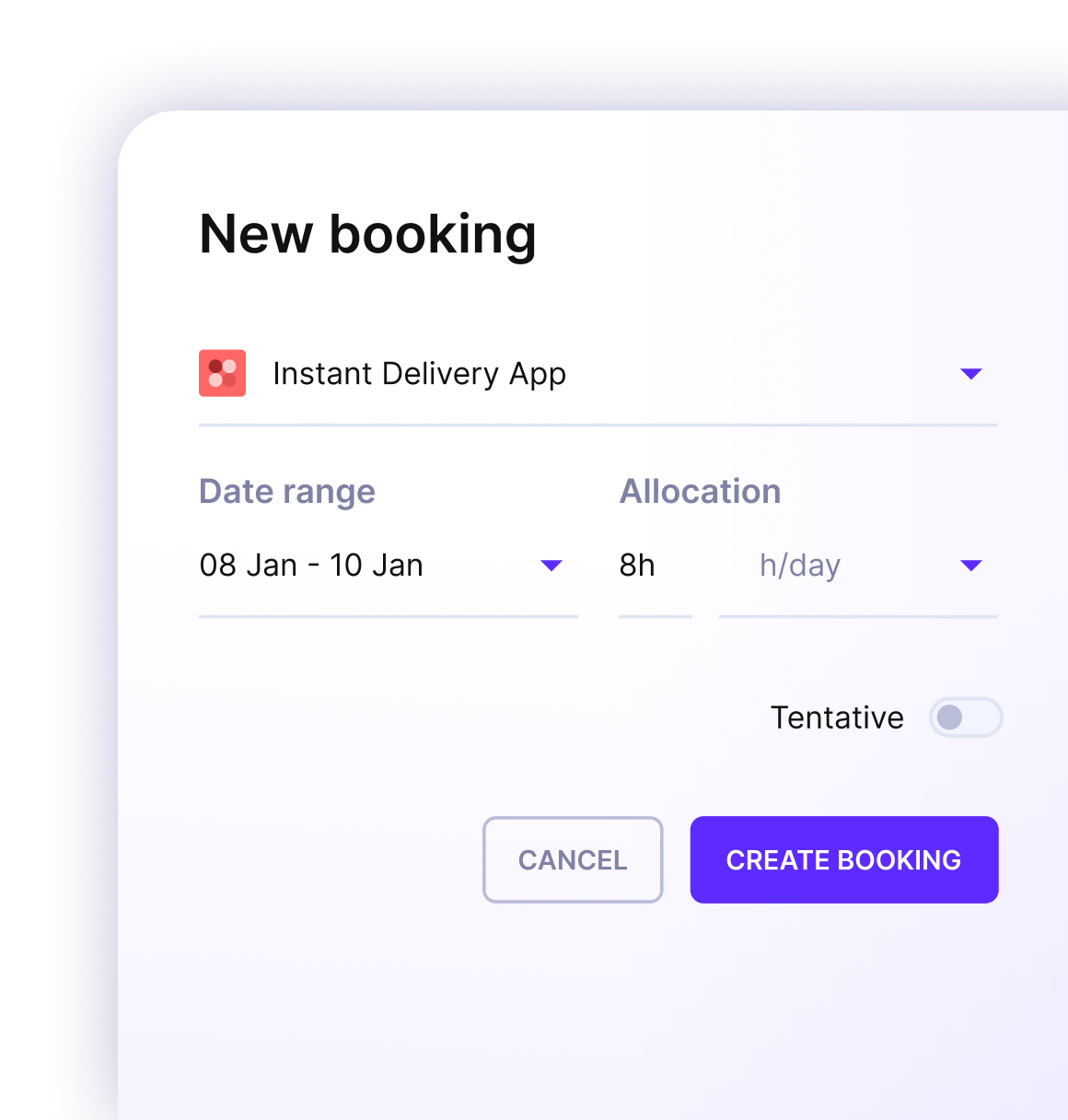
Tentative Work
Schedule people for projects still in the pipeline, then convert it to confirmed with one click when it lands.
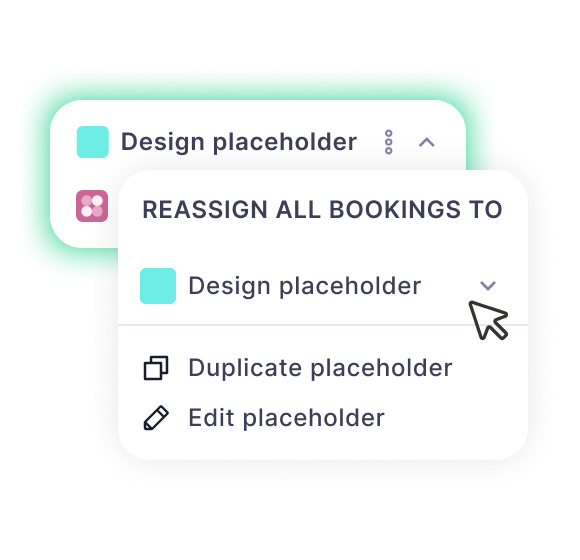
Placeholders
Plan for future hires and staff projects early. Reassign work to a real person, once they join.
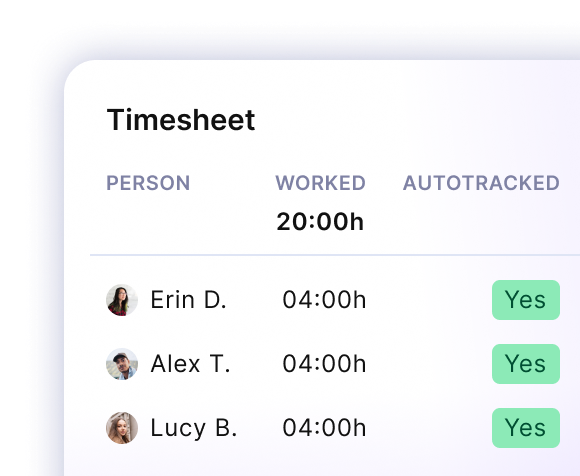
Automatic Time Tracking
Turn scheduled work into time entries, so your timesheets are filled out automatically.
.webp)
Multiple Layouts
Schedule by person or by project to see the full picture from either angle — one person's entire workload, or every booking across a single project.
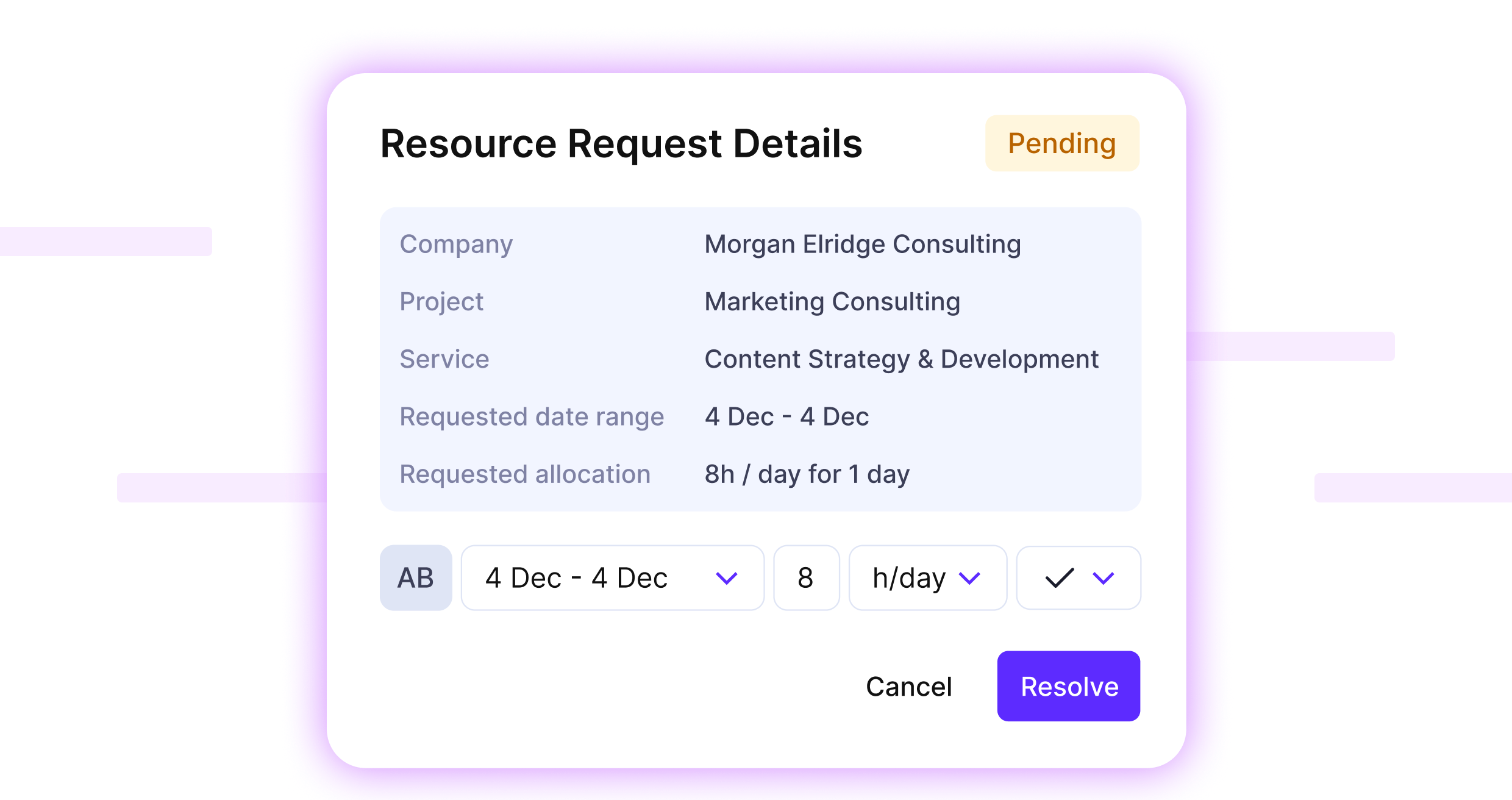
Resource Requests
Introduce a clear, structured process for managing resourcing needs: Project managers request the resources, resource managers resolve the request. Productive will rank your top matches based on requirements for better decision-making.
A Single Source Of Truth For Your Business






Start Planning Smarter Today
Free 14-day trial. No credit card required. Cancel any time.