for free
Free 14-day trial. No credit card required.
Cancel any time.
Already using Productive?
time off management
Manage Time Off and Resources In One Place
Vacation? Sabbatical? Someone out sick? Productive keeps requests, approvals, and balances in one system, right next to your projects and your resourcing schedule.


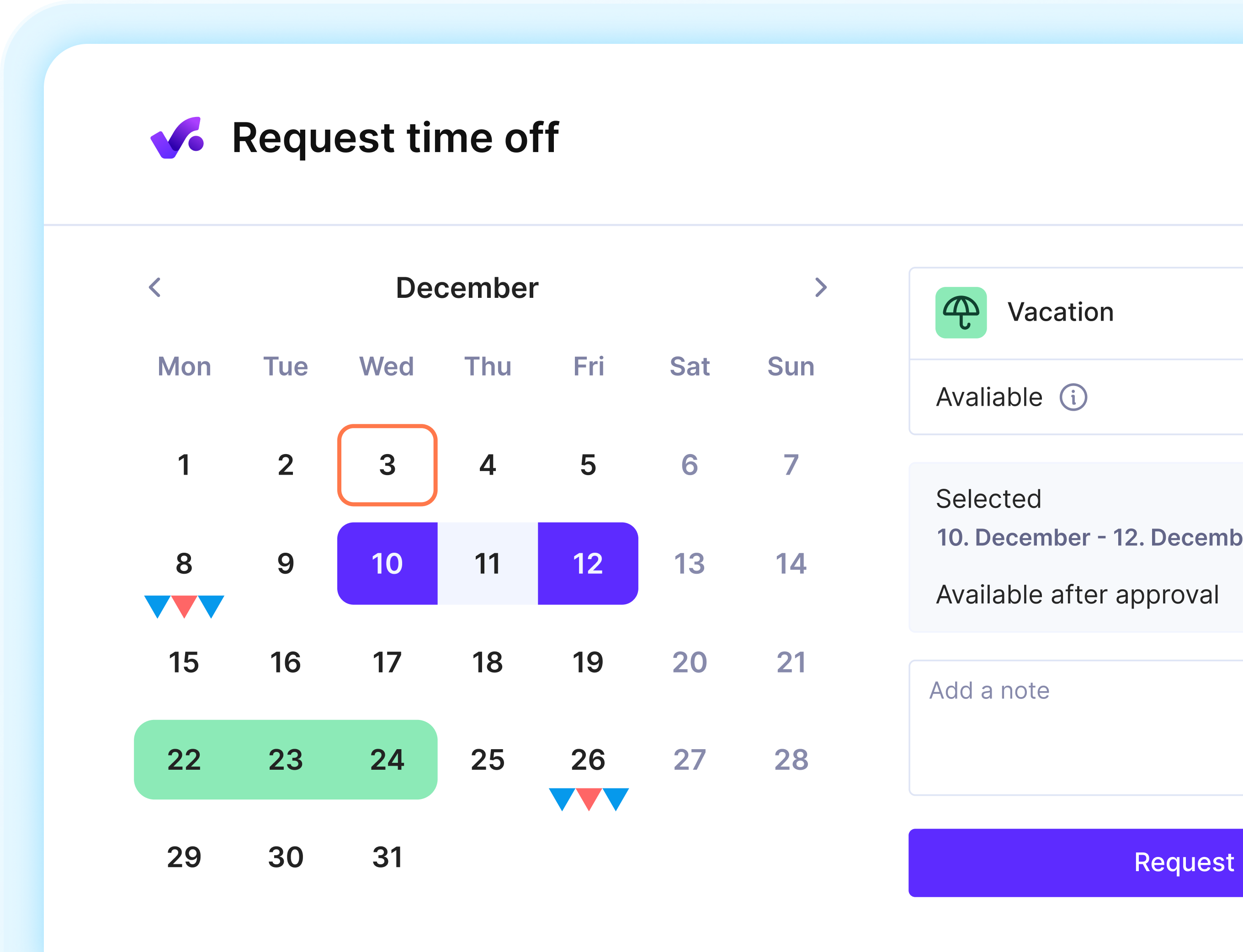
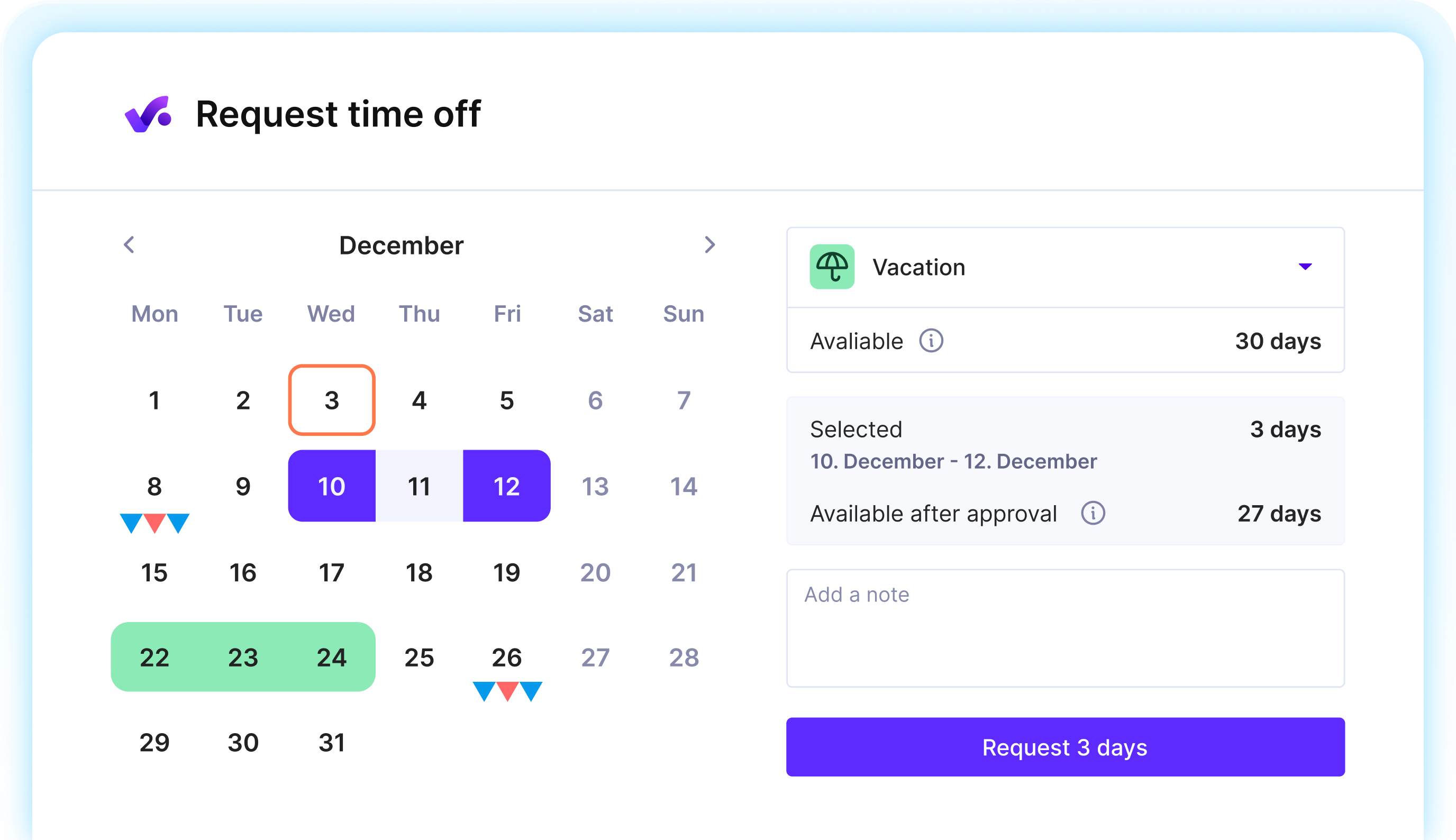
Approve Time Off Once, And You’re Done
Don’t waste your time matching data between disconnected tools. With Productive, everything lives in the same system, so you don’t have to do the same thing twice.

Approvals, With Less Admin
Requests go straight to the right approver(s), the way you set it up. No follow-up emails or pings needed.

Plan Around Real Availability
Approved time off updates availability immediately, so capacity, utilization, and your resource plan reflect reality.

Keep Everyone in the Loop
Employees see and get notified on their approval status: what’s pending, what’s confirmed, and what’s rejected.
From Approved Request, Into the Resource Schedule
01 - absence categories & Allowances
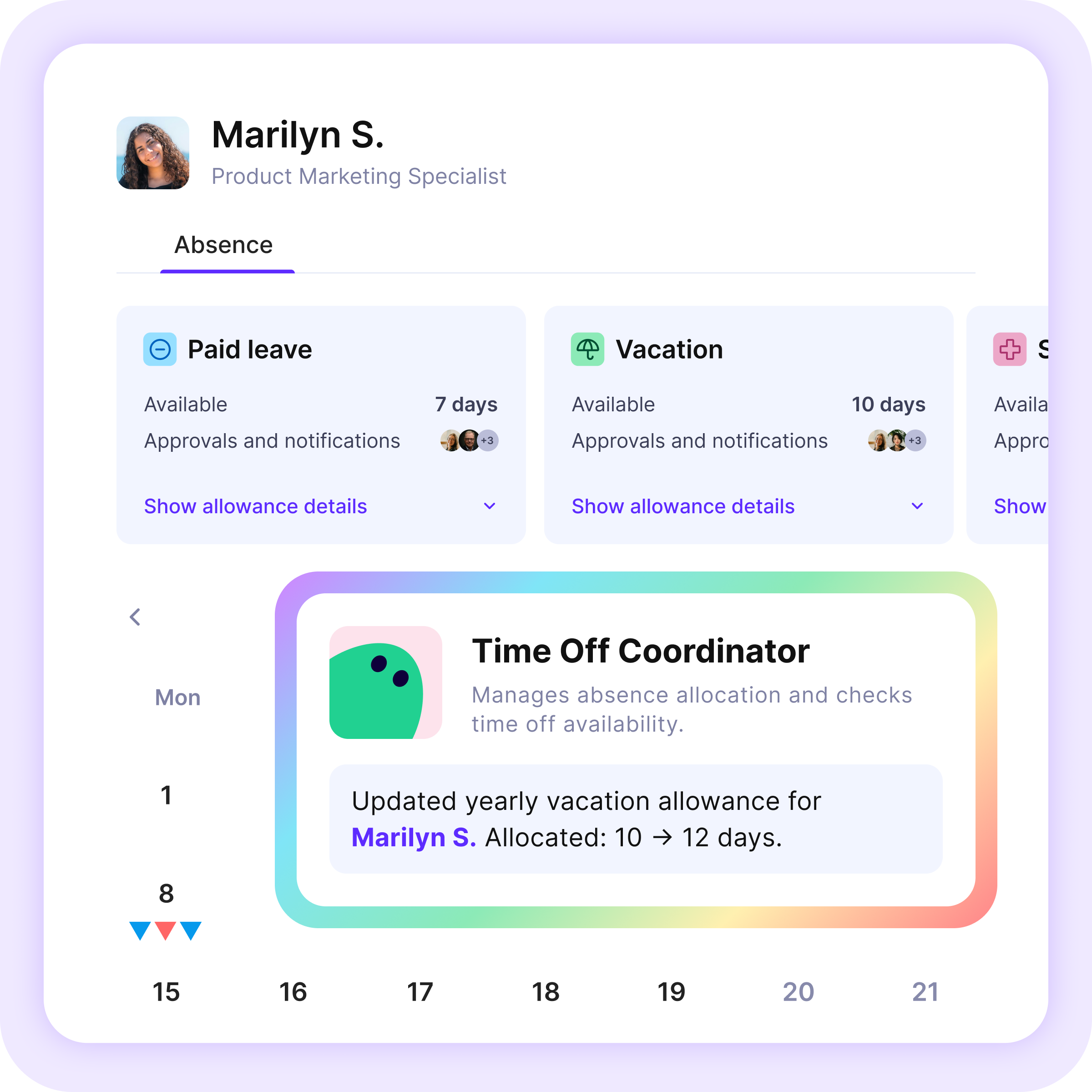
Assign Absences Tailored to Your Business
Create fully customizable absence categories with their specific allowances in days: paid vacation, half-days, unpaid leave, parental leave. Allocate it across employees so everyone has the right setup.
02 - time off approvals
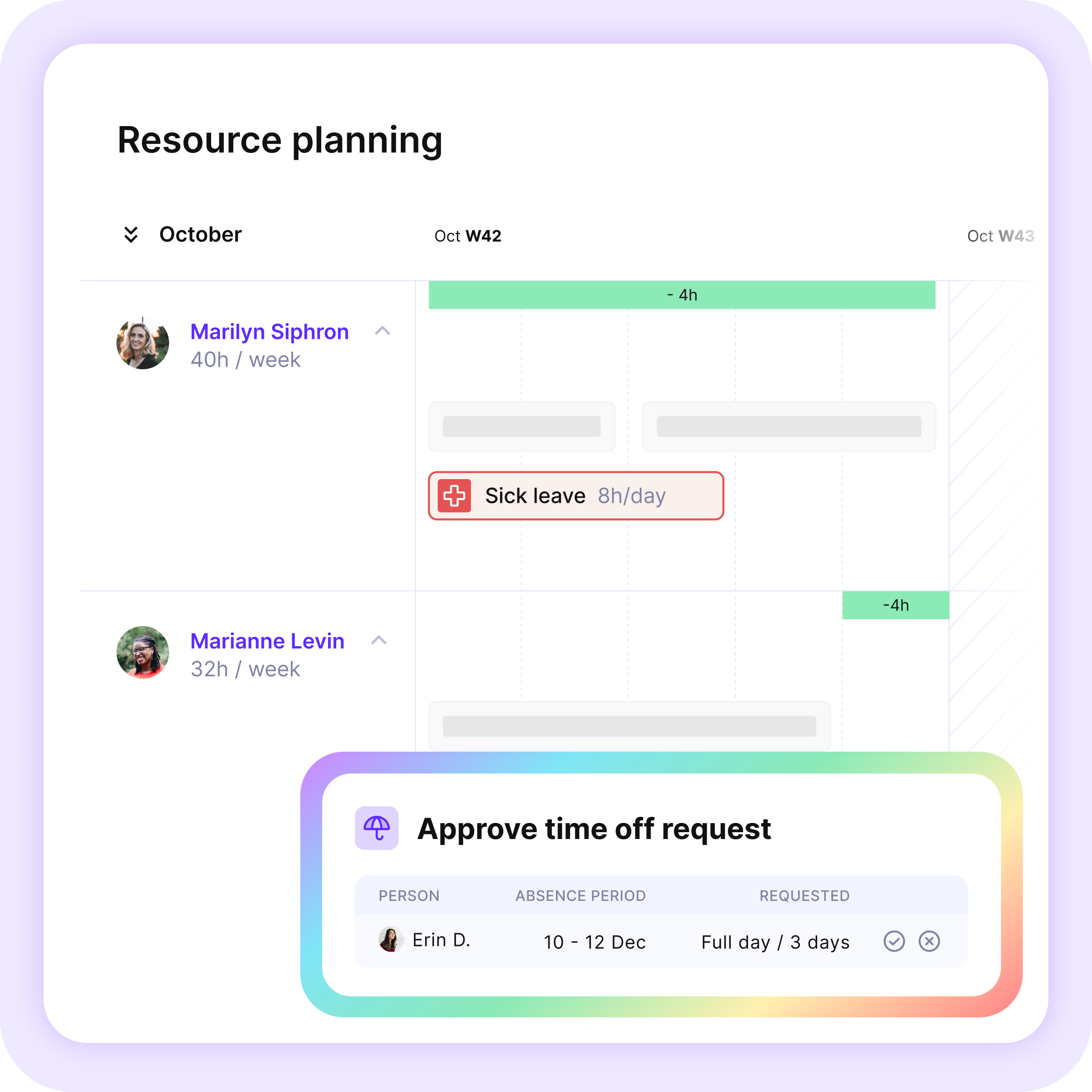
Manage Approvals With the Full Picture
Every request lands in the approver's in-app inbox, and shows up in the Resource Planner as an unconfirmed booking — so you can see the entire plan before you sign off.

03 - availability & utilization
Get Quick Insights into Who’s Off, and Who’s Available
Once a request is approved, it becomes confirmed in your scheduling. Availability drops, utilization adjusts, and anyone scheduling work will be alerted of potential conflicts, so they can be resolved in time.
Want to Bring Your HR Tool Along?
You can! Productive offers a range of built-in HR integrations, so you can sync absences automatically into the platform.
 Personio
 CharlieHR
 BambooHR
 Factorial
 Humaans.io
 Breathe
 HiBob
 Justworks
 Rippling
Delegate Resourcing to Agents, Consider It Done.
Agents are your custom-built, virtual assistants. Give them instructions and let them handle the repetitive tasks, so you can focus on work that brings value.

Resourcing Assistant
Your resourcing specialist that compares needs to available resources, finds the best match, and creates the schedule for you.

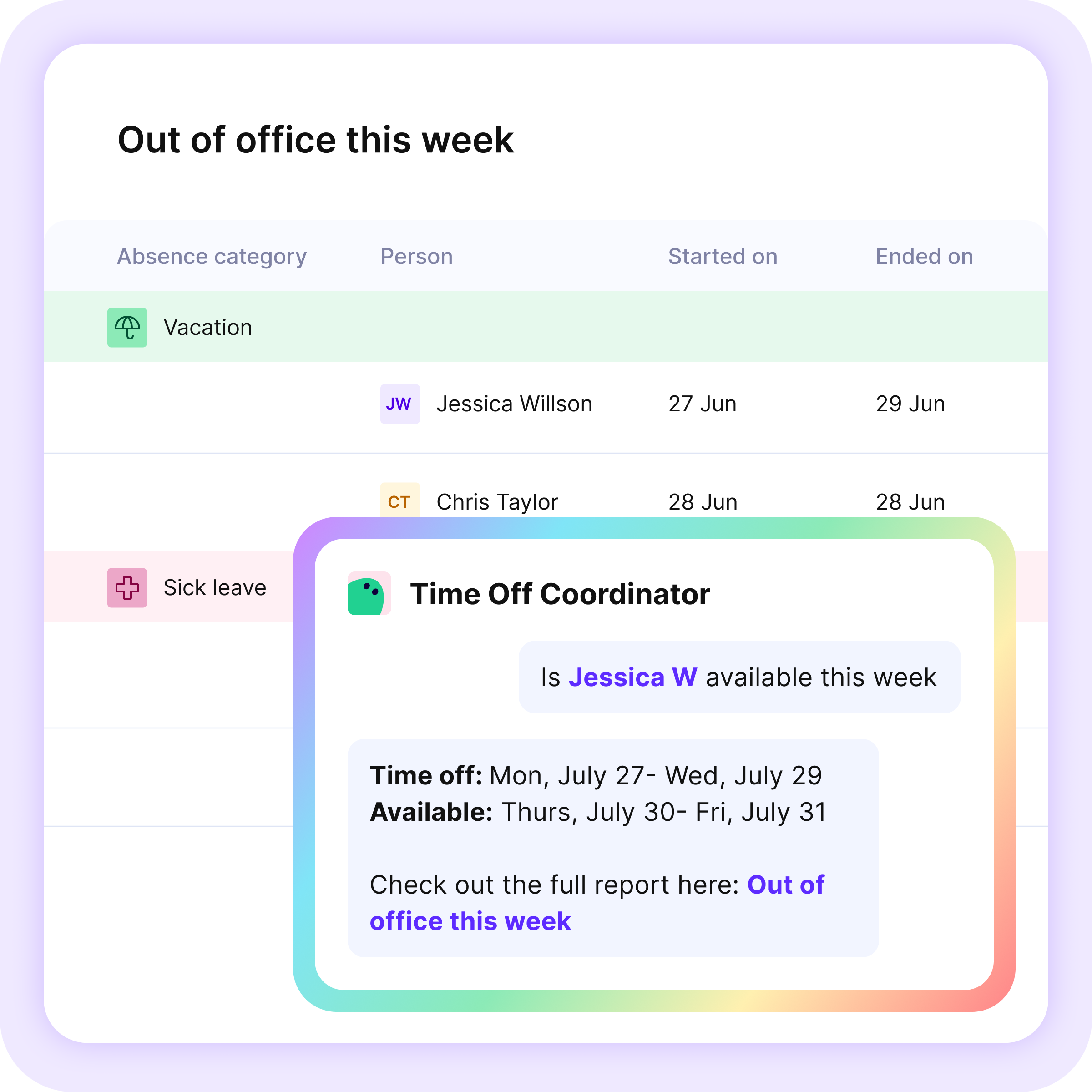
Time Off Coordinator
Supports time off management with information on team capacity, assigned tasks, and best processes.

Records Manager
Keeps employee data accurate and up to date, such as applying annual salary adjustments or updating titles in bulk.
Explore Additional Resourcing Features


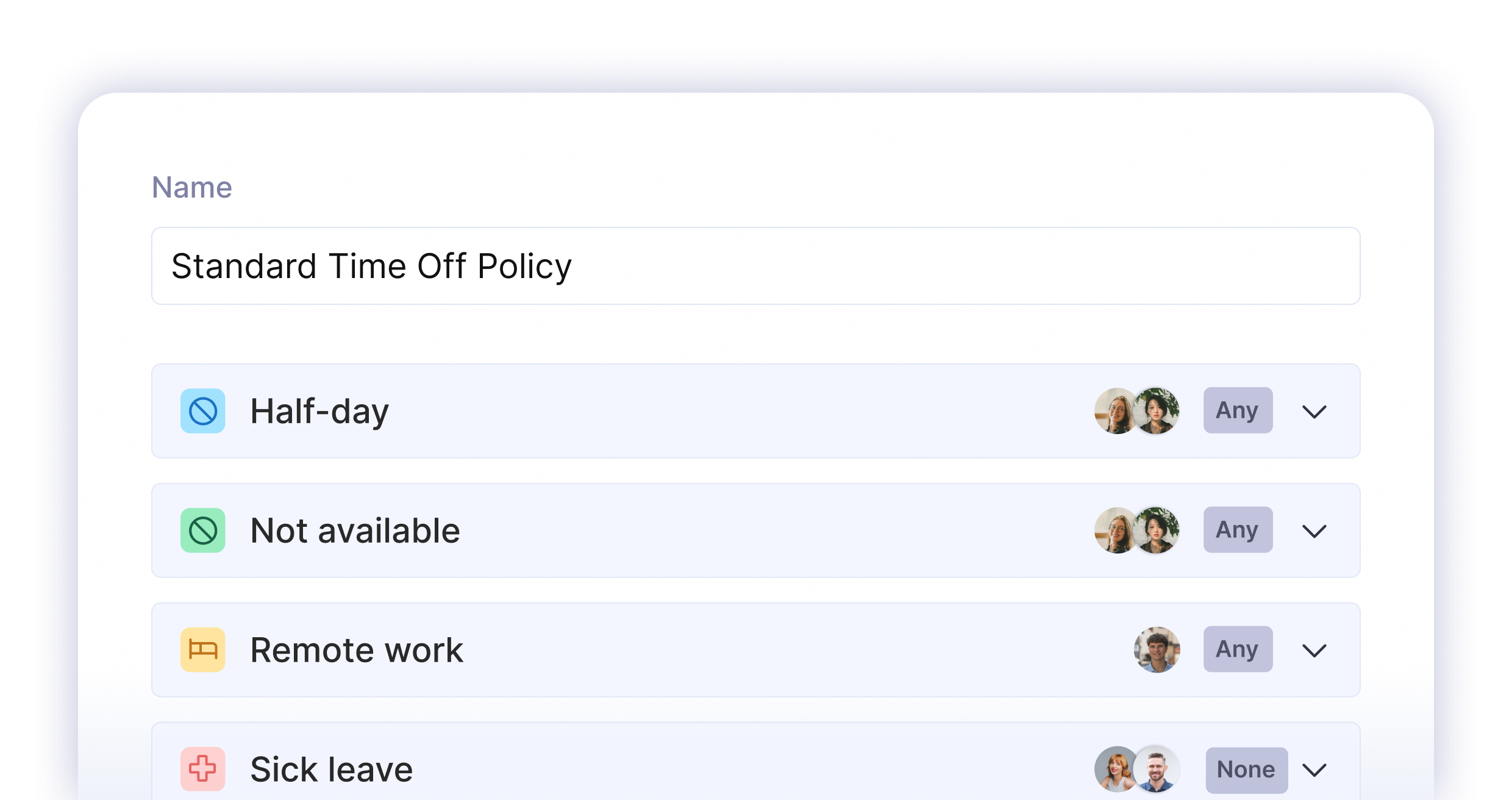
Approval Policies
Manage absence approvals at scale: Define who approves what and who is notified, then apply it consistently across teams.
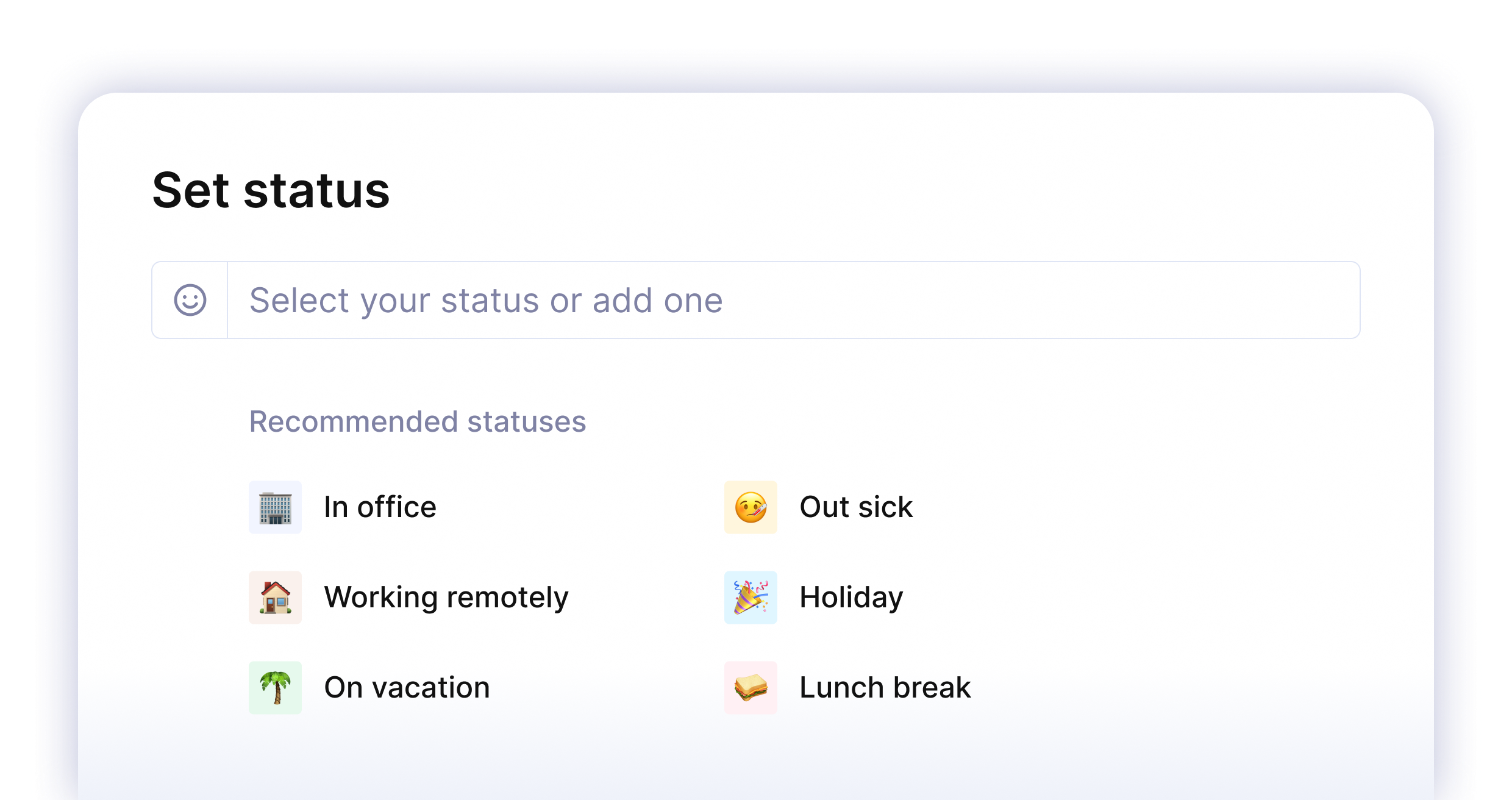
Sync Time Off Status
Sync Productive with Google Calendar and Slack so team members know when you’re away.

Remote Work
Track remote days with their own allowance and approval rules. Hybrid schedules stay visible in the plan instead of living in someone's head.
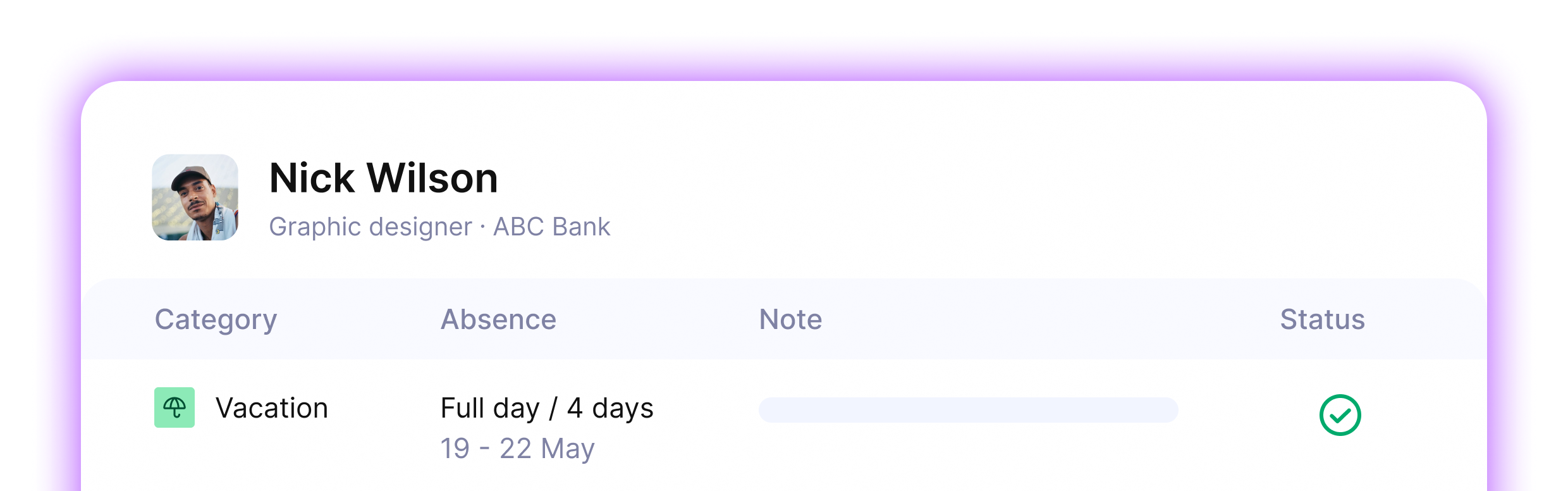
Absence Logs
The full history of past, current and upcoming absences lives in Productive, making planning and approvals easier.
A Single Source Of Truth For Your Business






Start Planning Smarter Today
Free 14-day trial. No credit card required. Cancel any time.