for free
Free 14-day trial. No credit card required.
Cancel any time.
Already using Productive?
PROJECT MANAGEMENT
Deliver More Profitable Projects
Track your work with tasks, AI-powered documentation, and multiple project layouts. Use dependencies and milestones for an overview of timelines and deliverables.


Personalize a Layout To Run Your Projects
Customize views and share them with teammates.
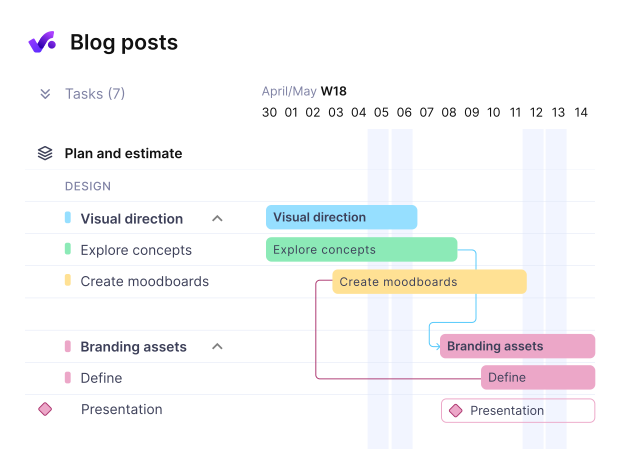
Grantt view

Easily visualize your project with key milestones and deliverables.
List view
Cast an eye on tasks and filter them by name, due date, assignees, and more.
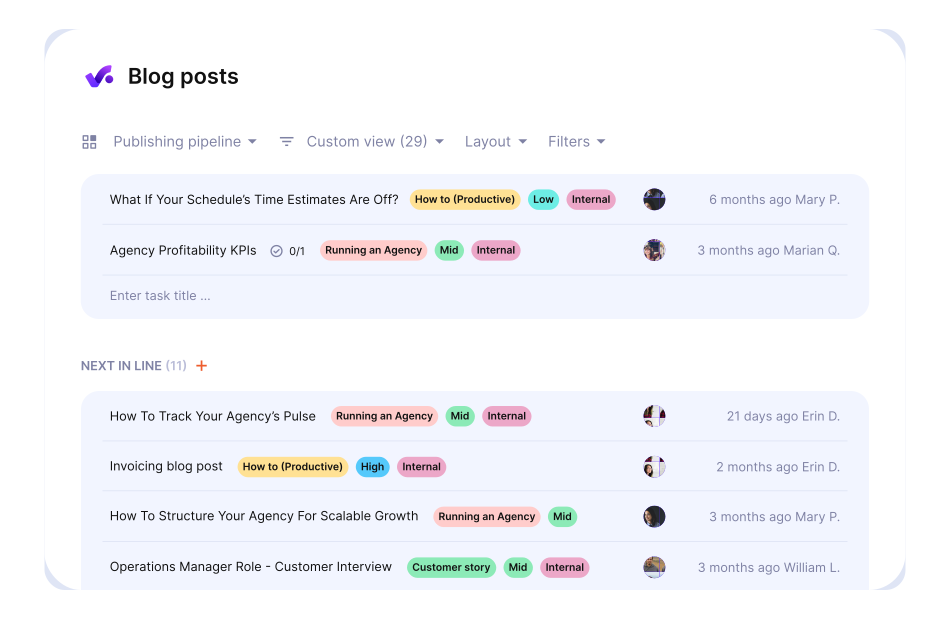
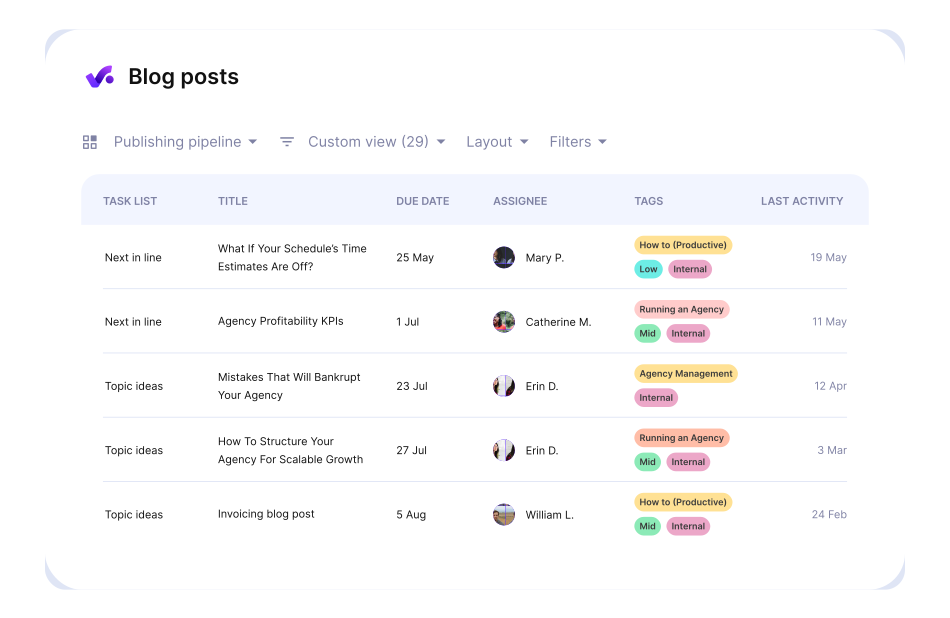
Table view
If you’re a fan of spreadsheets, tables and cells, simply apply the Table layout to view tasks.
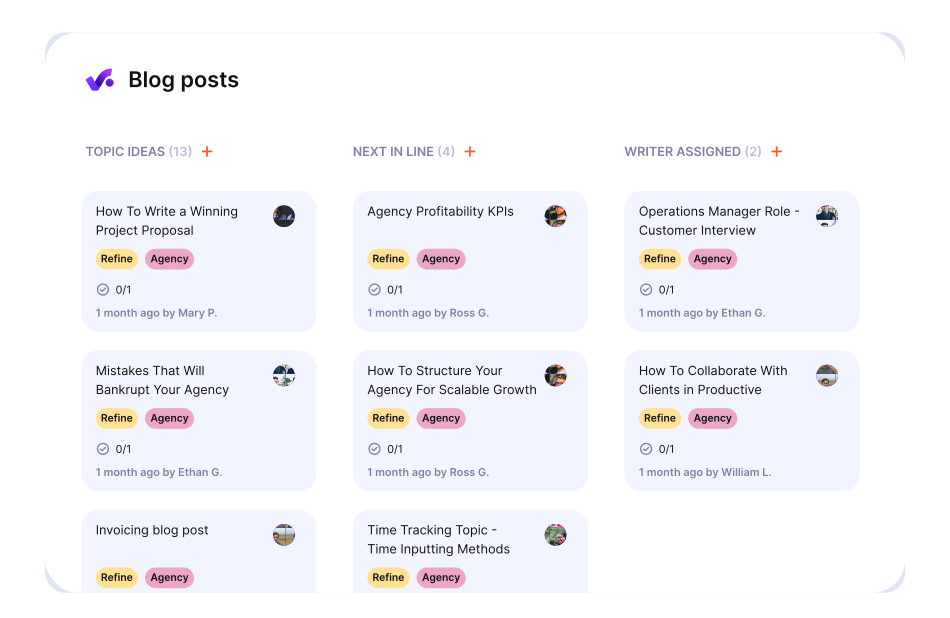
Board view
If moving tasks around on a Kanban board is what you prefer most, choose the Board layout.
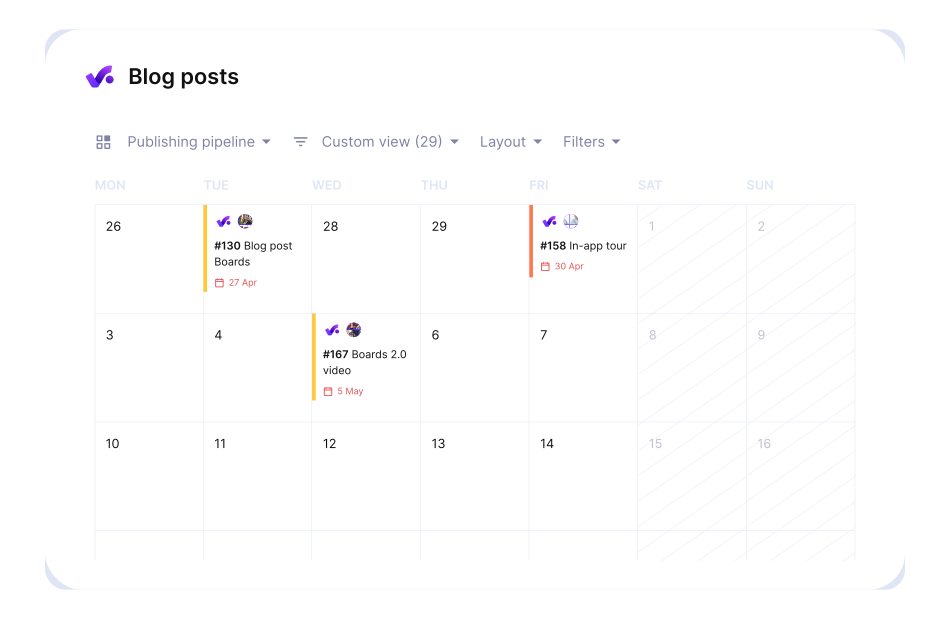
Calendar view
When timing is of the essence, use this layout for tasks. Add a specific due date or date range first.
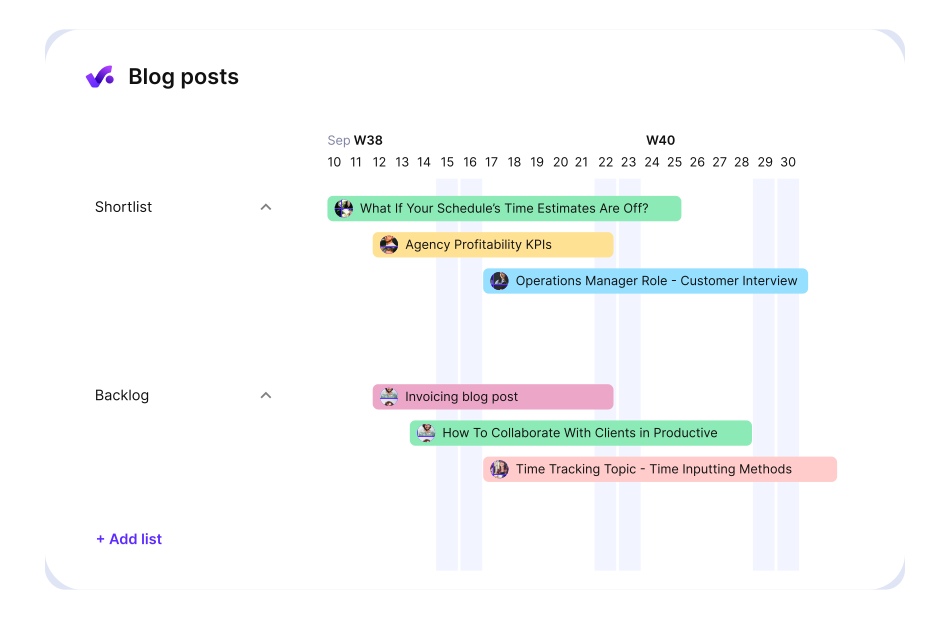
Timeline view
Drag and drop, move tasks around, or expand and contract them to update start and due dates
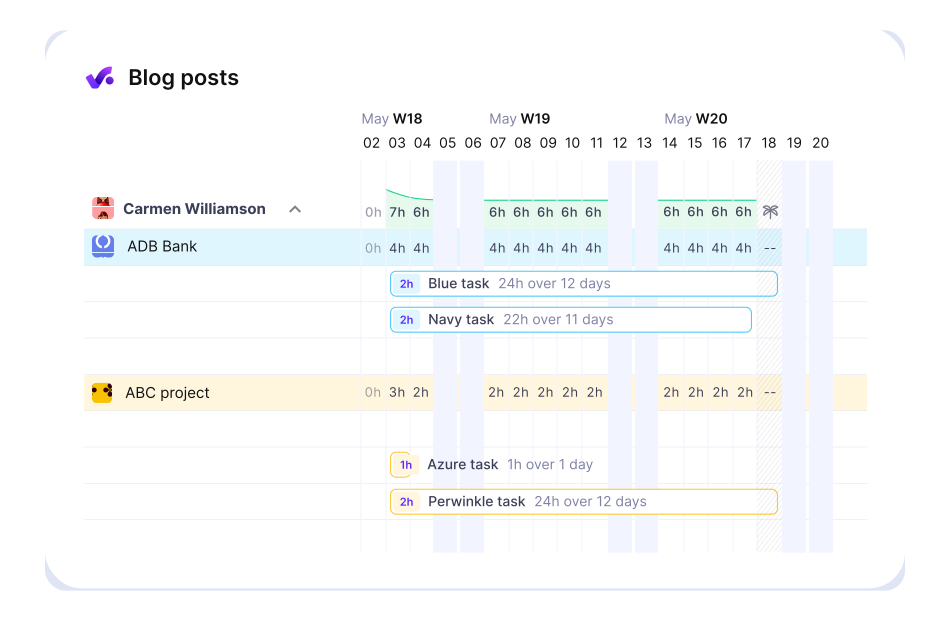
Workload view
Check the workload of your teammates and delegate Tasks with ease.
Centralize Project Work for Your Entire Team
Teammates, stakeholders, contractors and clients—include whoever you want in a task. Stop spreading project work across platforms.

Having a complete overview of projects, open tasks, team occupancy, and profitability—it makes project management so much easier.
Nika Serdoner
PROJECT MANAGER, ENKI
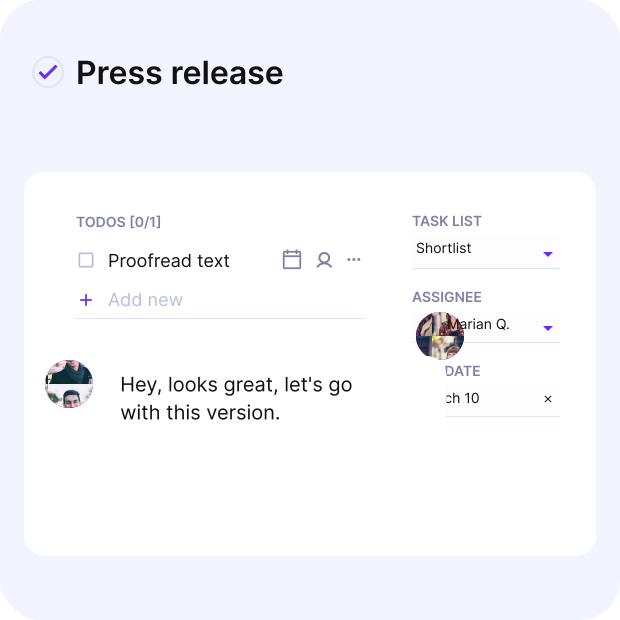
Create AI-Powered Docs and Forms
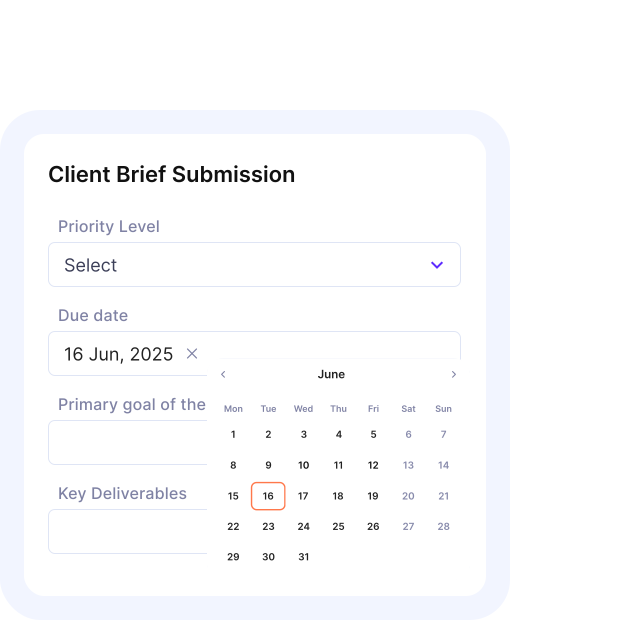
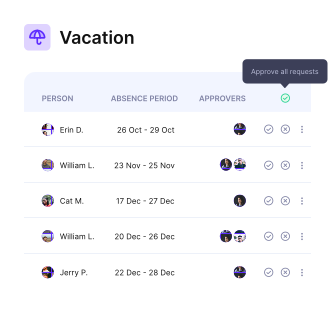
Use Forms to Collect Feedback
Create Forms and share them with your team or clients. Once submitted, automatically turn responses into Tasks or emails to keep work moving.
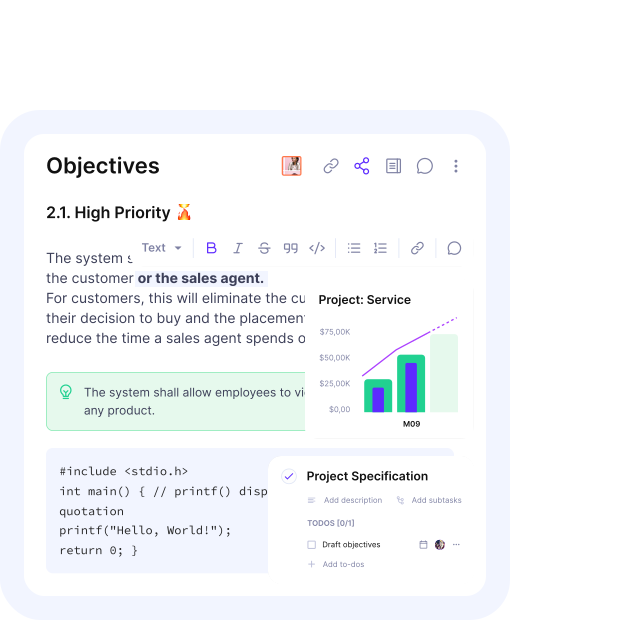
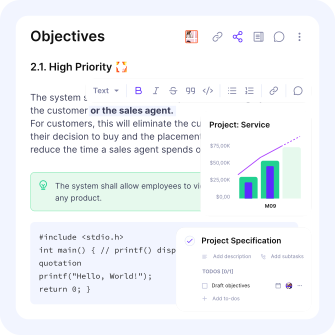
Build Rich, Flexible Docs
Create Docs for any use case — from project specs to meeting notes. Add tables, quotes, and code blocks. Let AI help you get started, then make it yours with emojis, images, and banners.
Save Valuable Time Spent on Repetitive Work
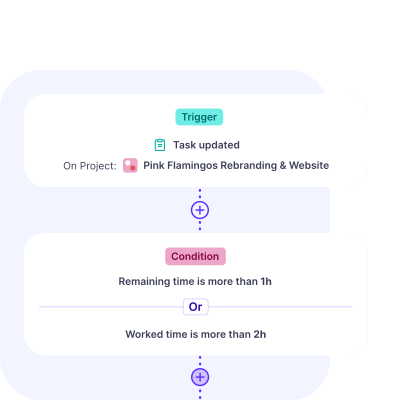
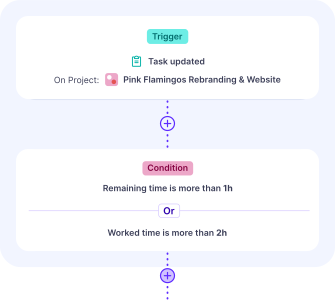
Automate Your Projects
Use Automations to trigger actions automatically: from opening projects to creating invoices or sending messages in Slack.
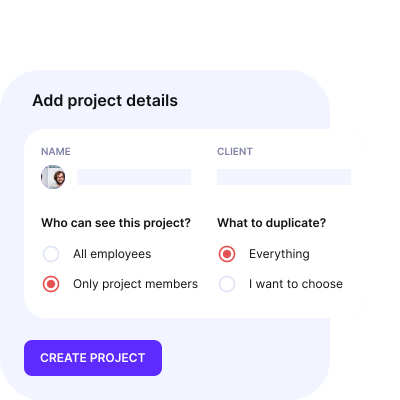
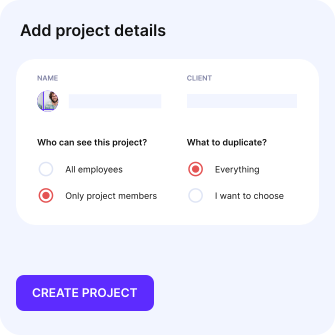
Speed Up Work With Project Templates
Create the perfect project template and duplicate its tasks, subtasks, descriptions, assignees, and more.


NIKA SERDONER
PROJECT MANAGER
ENKI

BRENDON NICHOLAS
CO-FOUNDER AND TECHNICAL DIRECTOR
DOTDEV
Optimize Operations With Productive
Switch from multiple tools and spreadsheets toone scalable professional services platform.
Speed Up Getting Feedback
Invite your clients into projects to comment in one place. Share updates on project progress and keep everyone on track.
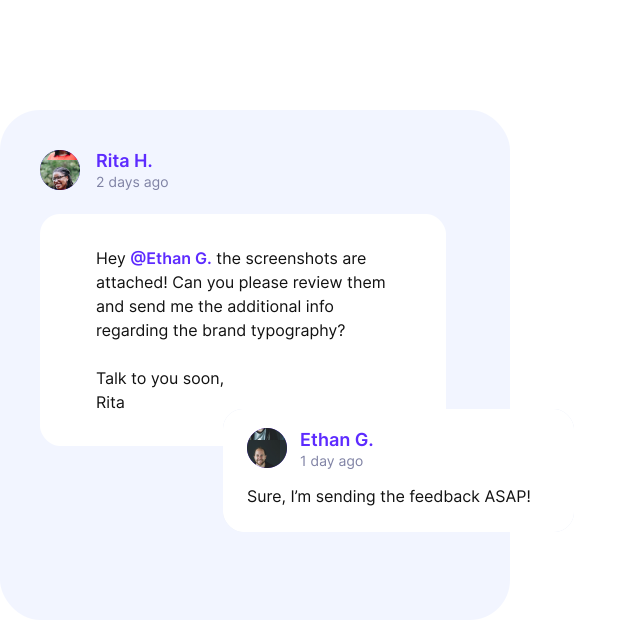
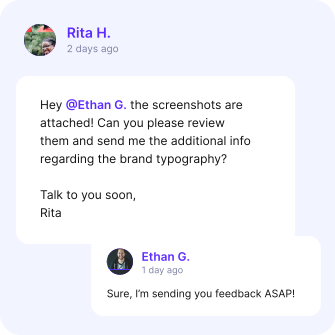
Move Projects Forward Faster
No more bouncing back and forth with emails—get comments and reactions from clients as changes happen.
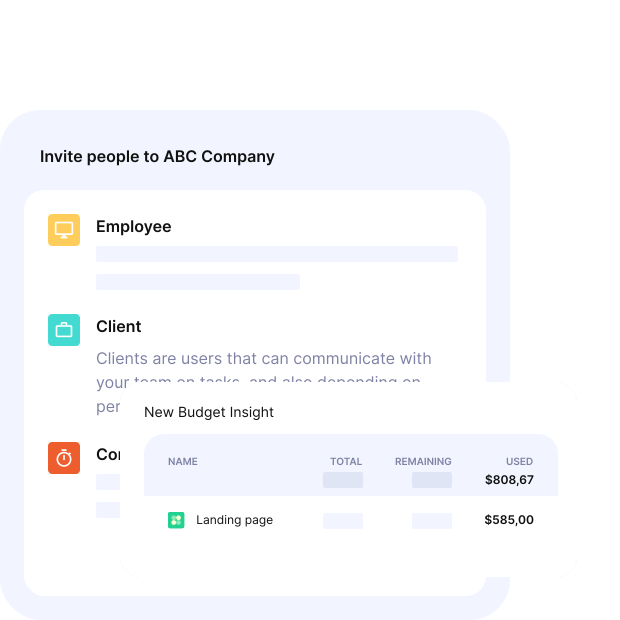
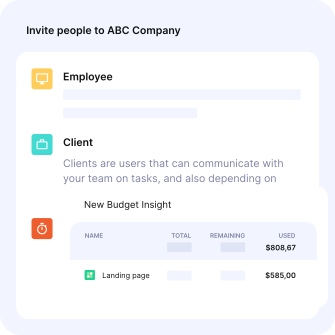
Let Clients See the Status of Their Budgets
Clients can access project budgets at any time to see how much they’ve spent.
Get Task Updates—Wherever You Go
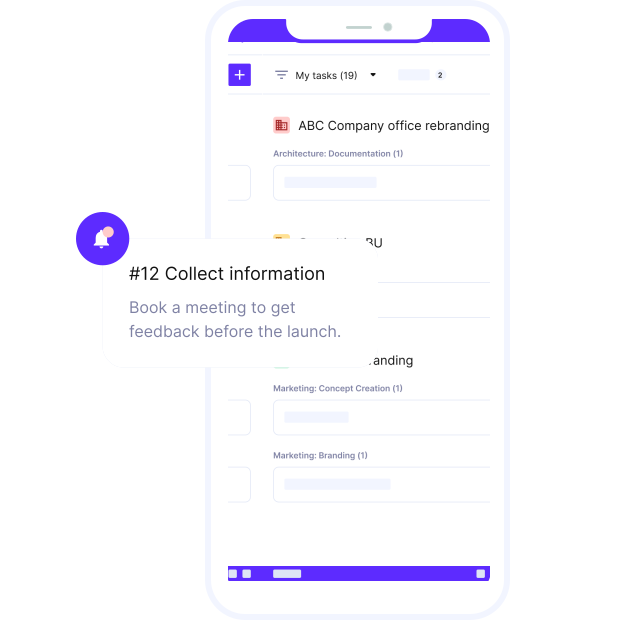
Never miss an update, comment, or reaction with Productive’s mobile app.