How Reflect Digital Is Using Productive AI to Make More Time for Human Thinking
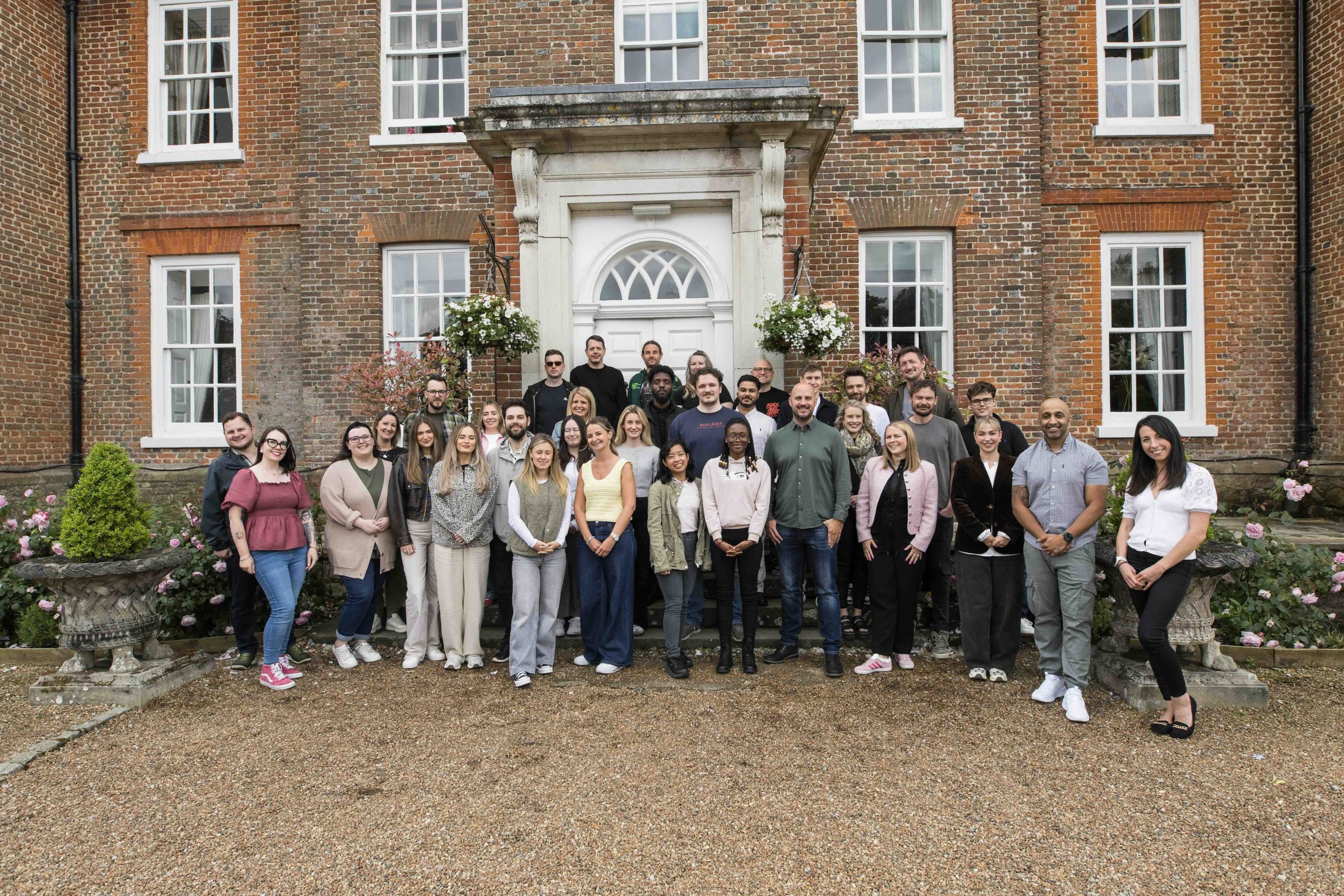
Reflect Digital is a digital marketing agency that believes great marketing starts with understanding people. Part of The Human First Collective alongside LAB and Aspiration Digital, the agency combines human insights, behavioral psychology, and digital expertise to help ambitious global brands and eCommerce businesses improve performance and drive measurable growth.
We spoke with Helen Wheeler, Delivery Manager at Reflect Digital, about how the agency is putting its human-first philosophy into practice with Productive AI. From automating internal processes to connecting tools and simplifying reporting, Helen shares how the team is reducing administrative work, making more time for what matters most: human thinking.
We Help Your Agency Reach New Heights
Switch from multiple tools and spreadsheets to one scalable agency management system.
As part of The Human First Collective, how does your philosophy influence your approach to AI?
Being part of The Human First Collective, we really stand by the idea that human input is, and always will be, the most important part of what we do.
That doesn’t mean we’re hesitant about AI. Quite the opposite, actually. We’re very open to exploring new tools and seeing what’s possible. But we’re always looking at it from the perspective of how we can become more efficient, so our people have more time for the thinking, strategic, and creative elements of their work.
Our clients value our expertise. They come to us for our understanding of their customers, our strategic thinking, and our ability to turn those insights into something meaningful. That’s not something we want to hand over to AI.
So, while there’s a lot of excitement around generative AI and content creation, we’ve been much more focused on the operational side.
Where are people spending time on repetitive work? Which processes are taking longer than they should? What are the things somebody has to remember to do every month that could just happen automatically?
Those are the questions we’re asking, and that’s where we’ve been seeing some of the biggest benefits from Productive AI.

What are some of the AI agents you’ve built in Productive, and how are they helping your team?
We’ve actually built quite a few now, and I get very excited about them, even when they’re doing relatively small things!
One of my favorites is an agent I built for our monthly board meetings.
Before each board meeting, certain people need to update specific documents. We already had recurring tasks in Productive, but there was still quite a bit of manual work involved. Somebody had to check when the next meeting was, update the task due dates, and remind everyone to get their updates done. Usually, that responsibility fell to my line manager. I was convinced we could find a better way to do it, so I built an agent that connects Productive to my Google Calendar.
Now, the agent looks for the upcoming board meeting in my calendar and automatically creates the relevant tasks for each person, setting their deadlines seven days before the meeting. It also connects to Slack and sends reminders to anyone who hasn’t completed their task, five days before the deadline and again the day before.
It’s a relatively small thing, but it’s an administrative task someone no longer has to remember. And that’s what I find exciting.
Once you start connecting these different systems, you realize how many similar processes you could improve.
Have you managed to automate any more complex internal processes?
Yes, one that’s made quite a difference is our sick leave process.
We’ve always used Productive to manage leave, but everything that happened afterward was quite manual. When somebody took sick leave, our HR colleague would send them a self-certification form in Google Sheets. The employee would need to make a copy, complete it, send it to their line manager for approval, and then send it back to HR, where it would be signed and filed away.
There were quite a few steps involved, and a lot of chasing people to make sure everything had been completed. So we decided to bring the whole process into Productive.
We built the self-certification form using Productive Forms, and then created an AI agent that automatically generates a task when somebody requests sick leave, reminding them to complete it.
If they haven’t done it, the agent follows up with reminders.
Previously, all of that involved separate documents, emails, approvals, and manual follow-ups. Now, it’s managed in one place, and we can still export the information whenever we need it.
It’s made the whole process much smoother and taken away quite a big administrative headache for everyone involved.
And I think that’s a good example of what we’re trying to achieve. It’s not necessarily about building something incredibly complicated. Sometimes the biggest improvement is simply making an existing process work better.
How are you using AI to streamline other areas of the business, like sales and project management?
We’re still relatively new to Productive’s CRM and Deals functionality, so there’s quite a lot we’re exploring.
Our Marketing Director has been exploring ways to use AI agents to manage information, understand where leads are coming from, and ensure the data we need is easily accessible. One thing that’s been particularly useful is being able to interact with Productive agents directly through Slack.
For example, people can add or update deal information just by having a conversation with an agent in Slack. Of course, I’d love everyone to go into Productive and update everything there! But realistically, if somebody spends most of their day in Slack, it’s much easier for them to make those updates without switching between tools.
And the agents are surprisingly responsive. The level of detail they can capture from those conversations is really good.
I’ve also built a couple of agents to help with the administrative side of managing deals. When a deal reaches a particular stage, I want a project created and associated with it. I’ve automated that with an agent. And if a deal is marked as lost, I want that project closed down.
That’s something I would previously have needed to remember to do myself. Now, I don’t have to.
When you start removing all those little tasks that people have to keep track of, it makes a real difference to how smoothly things run.

For me, that’s a really valuable way to use AI. It’s not necessarily doing the thinking for you, but it’s helping you think more efficiently.
Beyond automation, how are you using AI for reporting and decision-making?
We’ve been experimenting quite a lot with that, and I think there’s some really interesting potential.
I use Productive’s Artifacts for reporting, particularly when I need to create graphs, charts, or tables that will eventually go into client reports. Sometimes I don’t need the entire report that AI generates. I just want a really good visualization of the data that I can take and use elsewhere.
We’ve also created a skill with our brand guidelines, which helps us keep the output consistent with our branding. It’s not perfect yet; there’s something about AI and not getting fonts correctly, but the colors and other visual elements are generally quite good, and we can get things pretty close to what we need.
We’re also exploring what happens when you connect Productive with tools like Claude. We have quite a lot of information spread across Productive, Slack, emails, and our meeting notes.
Previously, if someone needed to prepare a board update, they might spend a couple of hours reviewing various sources, compiling the relevant information, and writing a summary. Now, with those systems connected to Claude, somebody can simply ask it to create a board summary based on all that information.
Something that might previously have taken a couple of hours can now produce a summary in around two minutes.
Obviously, we still go back and sense-check everything. That human review is incredibly important to us. But instead of spending hours gathering information, you’re starting with a summary of the key points and can spend your time reviewing, refining, and thinking about what they actually mean.
I’ve also started using AI as a sounding board when I’m analyzing reports. I’ll give it some data and ask what it thinks. Sometimes it highlights something I hadn’t considered or gives me a slightly different perspective.
I’m not quite at the point where I want to hand over the entire analysis and have AI tell me the answer. But I do find it useful for getting my thinking started. Rather than sitting there staring at numbers, I can get some initial observations and then decide whether I agree with them or whether something is worth investigating further.
For me, that’s a really valuable way to use AI. It’s not necessarily doing the thinking for you, but it’s helping you think more efficiently.
One feature we’ve really liked is Productive’s AI Notetaker. The ability to automatically create tasks and keep meeting information connected to the right projects is a big advantage for us.
You’ve mentioned wanting Productive to become your single source of truth. How does AI fit into that?
That’s something we’re really focusing on as a business at the moment.
We’re trying to get to a point where, if somebody needs information, Productive is the first place they go. Whether that’s meeting notes, budgets, project information, or sales deals, we want people to know where to find things rather than having information scattered across different systems.
And AI is helping us get closer to that. One feature we’ve really liked is Productive’s AI Notetaker.
I think the level of detail it captures, particularly regarding action items, is very good.
What’s especially useful is that we can attach meeting notes directly to projects and create tasks from those discussions. So instead of having meeting notes sitting in one tool and then somebody manually going into Productive to create follow-up tasks, we’re bringing those things together.
The ability to automatically create tasks and keep meeting information connected to the right projects is a big advantage for us.
Ultimately, we want information to flow into Productive as naturally as possible, without people having to constantly copy things over or remember to update multiple systems. The less manual effort it takes to keep everything up to date, the more valuable that single source of truth becomes.
With so many AI tools and agents being introduced, how do you keep track of what everyone is building?
That’s actually something we’ve been thinking about quite a lot.
We’re very open to AI as a business, and there’s a lot of experimentation happening across the collective. But we also don’t want to end up using a hundred different tools when ten would do the job.
Our Innovation & Automation Lead has built an internal platform called Cobble, a place for us to share everything we’re doing with AI. Whenever I build an agent, I add it to Cobble with a description of what it does and which systems it connects to.
Over time, we’re building this map of all the AI tools, agents, and workflows being used across the business. People can go in and see what others have created, but they can also submit ideas for things they’d like to automate and don’t necessarily know how to build themselves. Somebody else might see that idea and know exactly how to approach it.
I really like that because knowledge sharing is such an important part of making AI useful. Sometimes you don’t even realize something can be automated until somebody shows you what they’ve built. It might not be exactly the same process you need, but it can spark an idea that you can adapt to solve your own problem.
We do quite a lot of internal knowledge sharing anyway, and AI has naturally become a big topic. I think the more people share what they’re doing, the quicker everyone learns, and the easier it becomes to find genuinely useful applications rather than introducing technology just for its own sake.
What’s next for AI at Reflect Digital, and what would you tell other delivery managers who are just getting started?
There’s still so much we want to do. Sometimes I feel like we haven’t even scratched the surface of what’s possible!
One area I’m particularly interested in is task templates.
We have a lot of recurring work, and I’d love to build a robust database of task templates that can be used to create QA checklists and standardize how certain pieces of work are delivered. That’s something I think could save people a huge amount of administrative time and help us make our processes more consistent.
Another thing on my list is automating our annual project setup. A lot of our work is retainer-based, with projects and budgets running from January through December. Every December, I find myself creating around 30 new projects and budgets for the following year.
And I keep thinking, surely I can build an agent to help me do all of that! So that’s definitely something I’d like to tackle as we prepare for 2027.
We’re also exploring how to make better use of integrations with Claude and the other tools we work with. I think there’s a lot of opportunity to connect information across systems and make our existing workflows much more efficient.
As advice to other delivery managers, I’d start by looking at what happens repeatedly.
If you’re doing the same thing every week, every month, or whenever a project reaches a certain stage, there’s a good chance you could automate at least part of it or speed up the process.
It doesn’t have to be something huge. Some of the most useful agents I’ve built are the ones that simply take away a task I’d otherwise forget to do.
And I think it’s important to be willing to experiment. Not everything works perfectly the first time. Sometimes you build something, realize it’s not quite doing what you want, and have to go back and change it.
Finding the time to experiment can be a challenge in itself, especially when things are busy. But once you’ve got something working, you can take that administrative burden away on an ongoing basis. For us, that’s the real opportunity with AI.
We’re not trying to remove the human element from our work. We’re trying to remove the things that get in the way of it.
If AI can give our people more time to think strategically, be creative, and deliver better work for our clients, then that’s exactly where we want to be using it.
Achieve Your Agency’s True Potential
Switch from multiple tools and spreadsheets to one scalable agency management system.


