How To Calculate Overhead Absorption Rate (With Examples)

If you don’t properly track indirect costs, they chip away at budgets, profits, and margins. Calculating your overhead absorption rate plays a huge part in that process. In case you’re not that familiar with overhead absorption and you run a business, you should definitely stick with this article.
In this guide, you’ll learn what overhead absorption really is, how to calculate it with practical examples, and how to prevent the most common (and costly) errors.
Key Takeaways
- Use the overhead absorption rate to set prices: add overhead to direct costs to cover the full cost of delivery.
- Add overhead cost to an employee’s cost: express overhead as a cost per hour and include it when determining the actual cost of an hour of work.
- Use PSA software to include overhead in budget profitability: make sure your budgets reflect the real picture.
- Apply different overhead absorption rates for each subsidiary: calculate overhead separately so every business unit gets a fairer, more accurate view of profitability.
What Is Overhead Absorption?
Overhead absorption is the process of assigning indirect costs to specific cost objects.
- Indirect costs are shared expenses, such as rent, utilities, and administrative expenses, that can’t be traced directly to a single project.
- Cost objects are the things you want to measure costs for, such as projects, services, or products.
To assign overhead, you typically calculate a rate for a set period and apply it consistently across cost objects.
- In cost accounting, predetermined overhead rates are usually calculated based on budgeted overhead and expected activity levels.
- The activity is usually measurable, such as labor hours or machine hours.
In professional services, time is usually the cleanest base. Once overhead is expressed as an indirect cost, you can apply it to direct labor hours, making it easier to use in project decisions.
Why Is Calculating Overhead Absorption Rates Essential?
Calculating overhead absorption rates is essential because it reveals the actual cost of delivering work, not just the obvious expenses.
If you focus only on direct labor or direct costs, projects may appear profitable on paper, but the business can still struggle to cover shared expenses. For example, even if you account for delivery salaries, costs like admin support and software tools still need to be paid.
When project budgets don’t include their share of overhead, it’s easy to encounter unpleasant surprises, like cost overruns.
This gap quickly leads to problems and makes managing costs harder: teams may underprice new work, leaders may lose confidence in their profitability analysis, and financial reporting may be compromised.
A proper reality check comes from PMI’s Pulse of the Profession 2025. The report found that teams with stronger business acumen, meaning they understand how project decisions affect costs and budgets, hit budget targets more often: 73% budget adherence for high business acumen teams versus 68% for other respondents.
This ties directly to absorption. When overhead is visible in your numbers, you can plan more realistically and avoid budget surprises later.
Now, let’s look at how to calculate the rate in a way that makes sense for professional services.
How Do You Calculate the Overhead Absorption Rate (OAR)?
You calculate the overhead absorption rate by dividing your total overhead costs by an allocation base.
The overhead absorption rate formula:
OAR = Total Overhead Costs ÷ Allocation Base
The formula is straightforward, but the judgment call is choosing the overhead total and the right base.
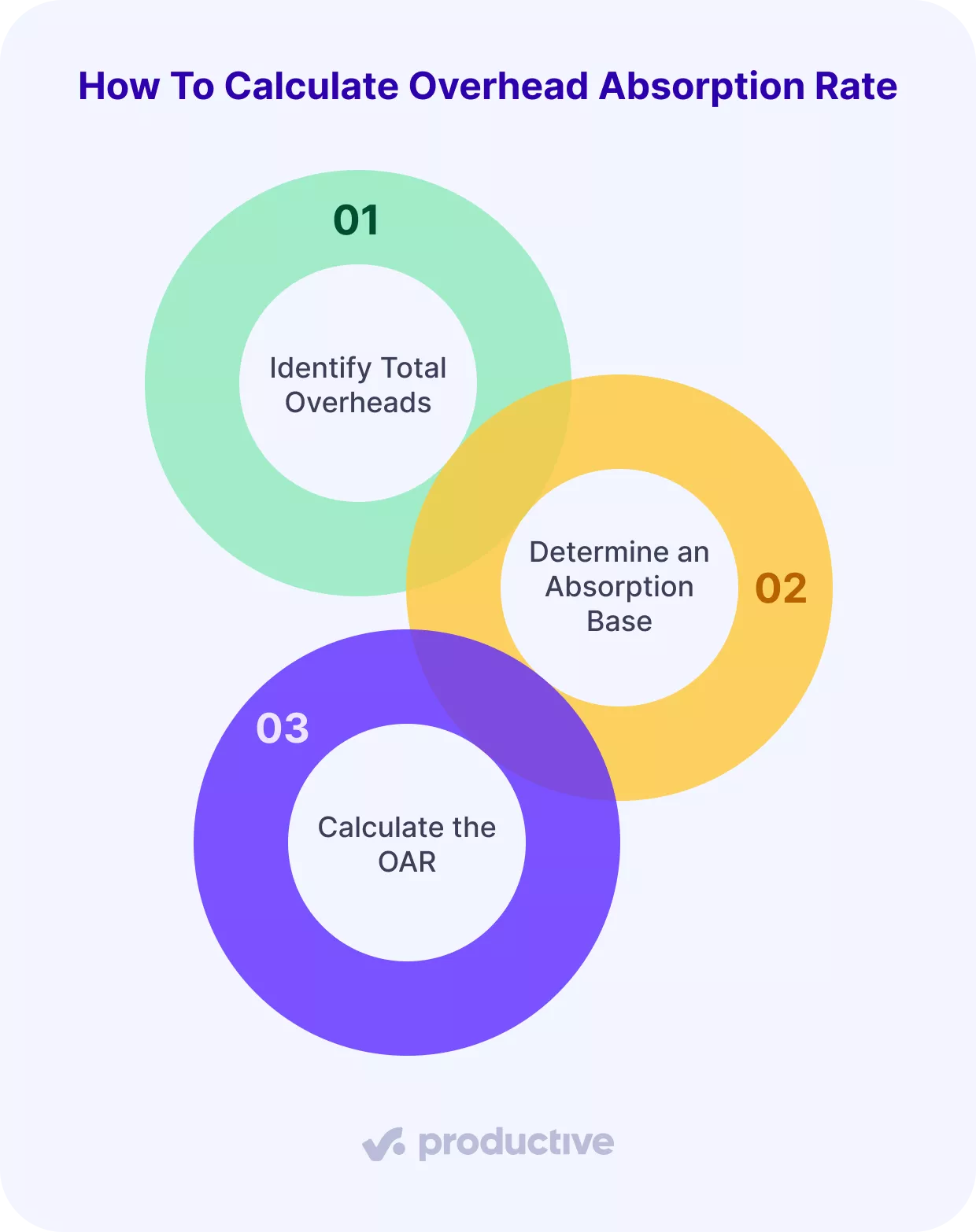
We will explain each step, then run a simple example.
Step 1: Identify Total Overheads
Use the indirect expenses you already listed and add them to a single overhead total for the period.
Include shared expenses that support delivery, like rent, utilities, admin support, and company-wide tools. Exclude any costs that have already been treated as direct delivery expenses in your projects.
Step 2: Determine an Absorption Base
The absorption base depends on how your work is produced. Common options include:
- Labor hours
- Labor cost
- Machine hour rate
- Units produced
For professional services, work is delivered through people, so labor hours are usually the cleanest base. In other words, you spread overhead across the hours spent delivering work to your cost objects.
Step 3: Calculate the OAR
You calculate the OAR by dividing total overhead costs by your chosen allocation base.
The overhead absorption rate formula:
OAR = Total Overhead Costs ÷ Allocation Base
In professional services, you will usually express this as a cost per hour, because hours are how you plan, deliver, and review work.
| Monthly overhead cost | €40,000 |
| Allocation base | 1,000 direct labor hours |
| OAR | €40 per hour |
| Hours on a project | 120 |
| Overhead absorbed by the project | €4,800 |
For example, if your OAR is €40 per hour, a project requiring 120 hours should include €4,800 in overhead expenses in addition to direct delivery expenses.
Understanding how to calculate the rate is just the start; let’s explore how overhead is actually used in your business decisions.
How Is Overhead Used?
Overhead is used to set prices using the OAR and to add overhead directly to an employee’s cost rate.
Set Prices Using the OAR
Once you know your OAR, you can add it to direct labor to find your fully loaded cost per hour (unit cost). This gives you a clear product pricing check: are you charging enough to cover both delivery and overhead?
For example:
- Direct labor cost per hour: €50
- Overhead absorbed per hour: €40
- Fully loaded cost per hour: €90
If you charge €100 per hour, your profit is €10. If your price is below €90, you won’t cover your full cost, even if the team is busy.
Add Overhead Directly to an Employee’s Cost Rate
A practical way to maintain accurate project profitability is to add an overhead amount to each tracked hour as work progresses.
Productive, a PSA software for professional services, automates this by calculating an overhead cost per hour and adding it to an employee’s cost rate when they track time. That combined cost is then deducted from the billable rate, which means financial reporting includes overhead without manual adjustments.
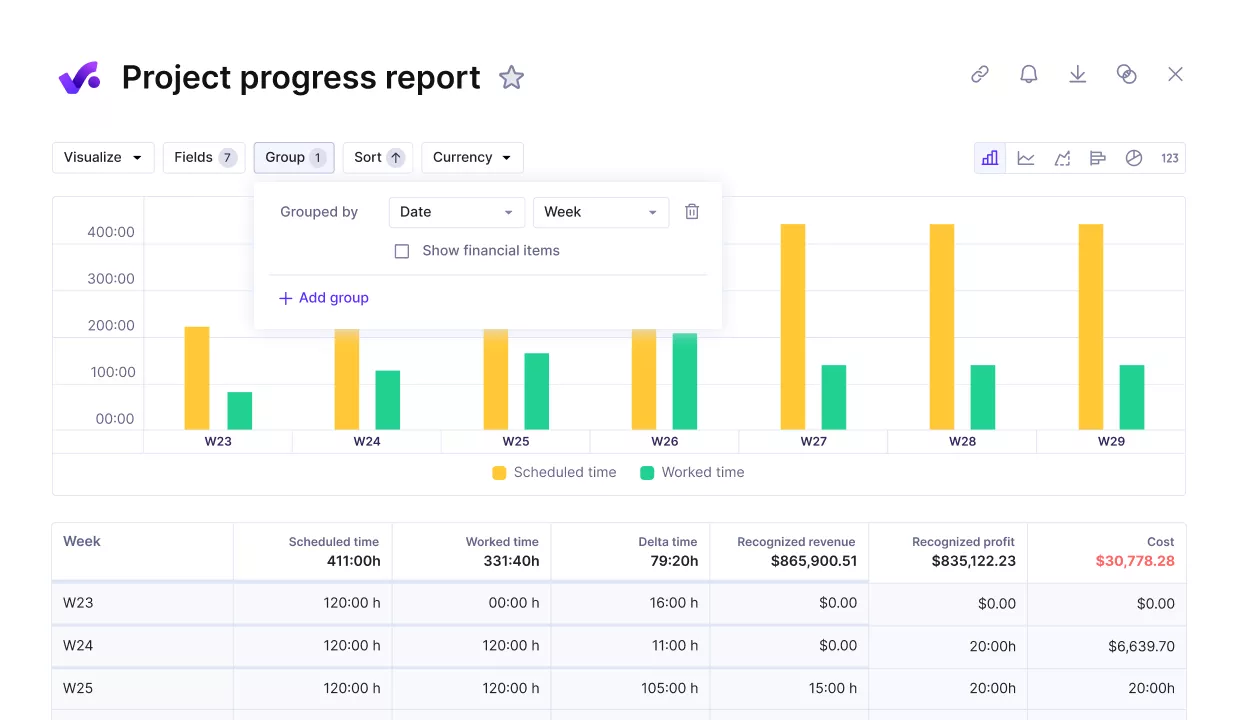
USE PRODUCTIVE TO ADD OVERHEAD TO TRACKED HOURS.
In Productive, overhead cost per hour is calculated as:
Overhead Cost per Hour = Facility Cost per Hour + Internal Cost per Hour
These two cost components are calculated differently, allowing overhead to reflect your actual costs more accurately than a single blended approach.
- Facility cost per hour: a monthly total you set for operating costs like office space, utilities, and equipment, divided by total hours.
- Internal cost per hour: the cost of internal work and related items (such as internal project time and time off), divided by client hours.
Here’s an example:
- Facility cost per hour: €9.43
- Internal cost per hour: €30.07
- Overhead cost per hour: €39.50
If someone logs 10 hours on a client project, Productive adds €395 of overhead to the cost of that work (10 × €39.50).
Track overhead per hour in Productive
It’s now worth looking at where teams most often run into trouble with absorption.
What Are the Most Common Overhead Challenges?
The most common overhead challenges are fluctuating overhead expenses, distorted profitability, and using a single overhead rate across multiple units.
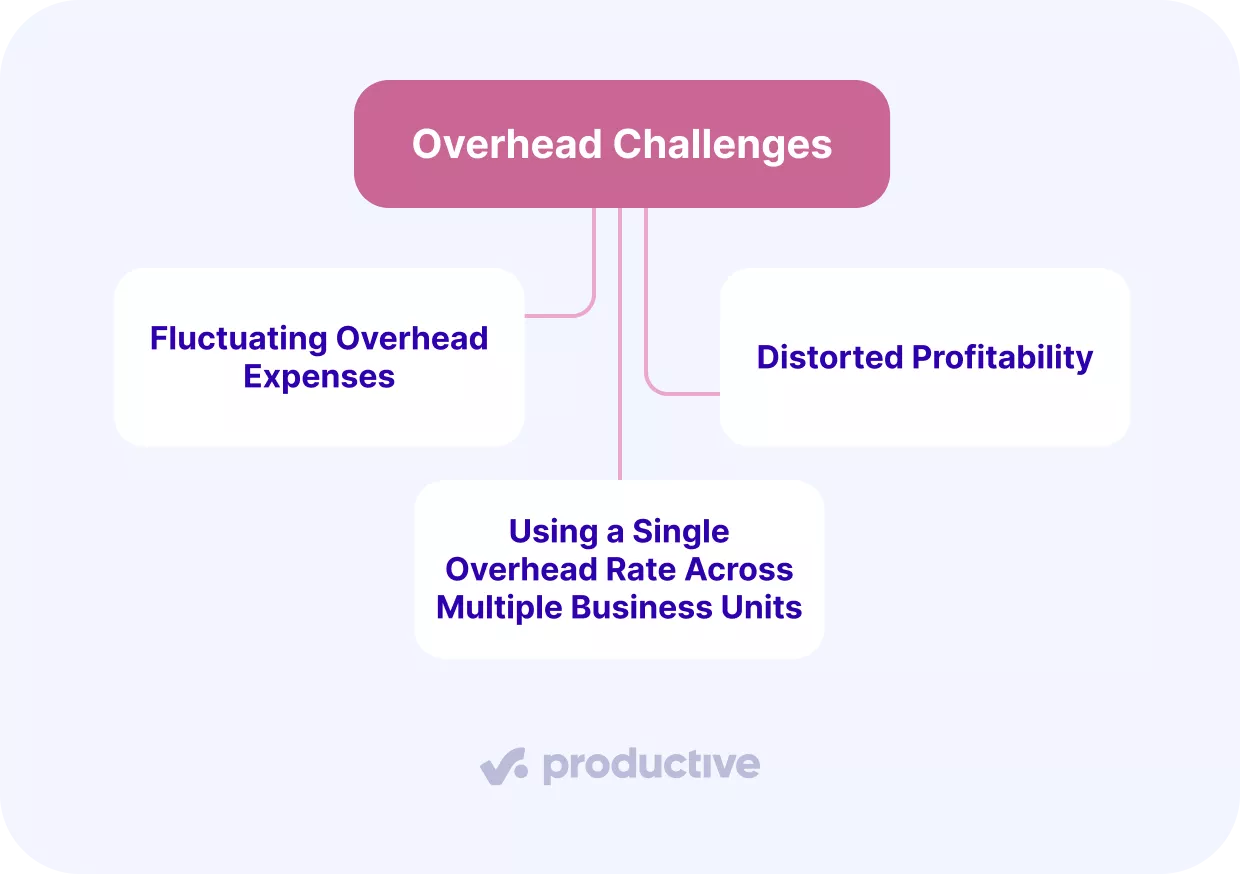
Here’s a closer look at each:
Fluctuating Overhead Expenses
OAR becomes unreliable when overhead expenses change, but your rate does not.
In reality, overhead is rarely static; rent may increase, utilities can spike, new subscriptions are added, or support roles are hired. If you keep using last month’s rate, projects may absorb too little or too much overhead, distorting profitability and cost analysis.
The solution is to review your overhead regularly and update your rate whenever recurring indirect expenses change. For this reason, it is absolutely crucial to use PSA software to track all your project expenses in one place.
Distorted Profitability
Profitability becomes distorted if overhead is not consistently included in project costs and updated as needed. If your overhead changes but you keep applying an old rate, projects can look healthier than they actually are.
Productive helps maintain accurate reporting by tracking revenue, costs, profit, and hours as work happens.
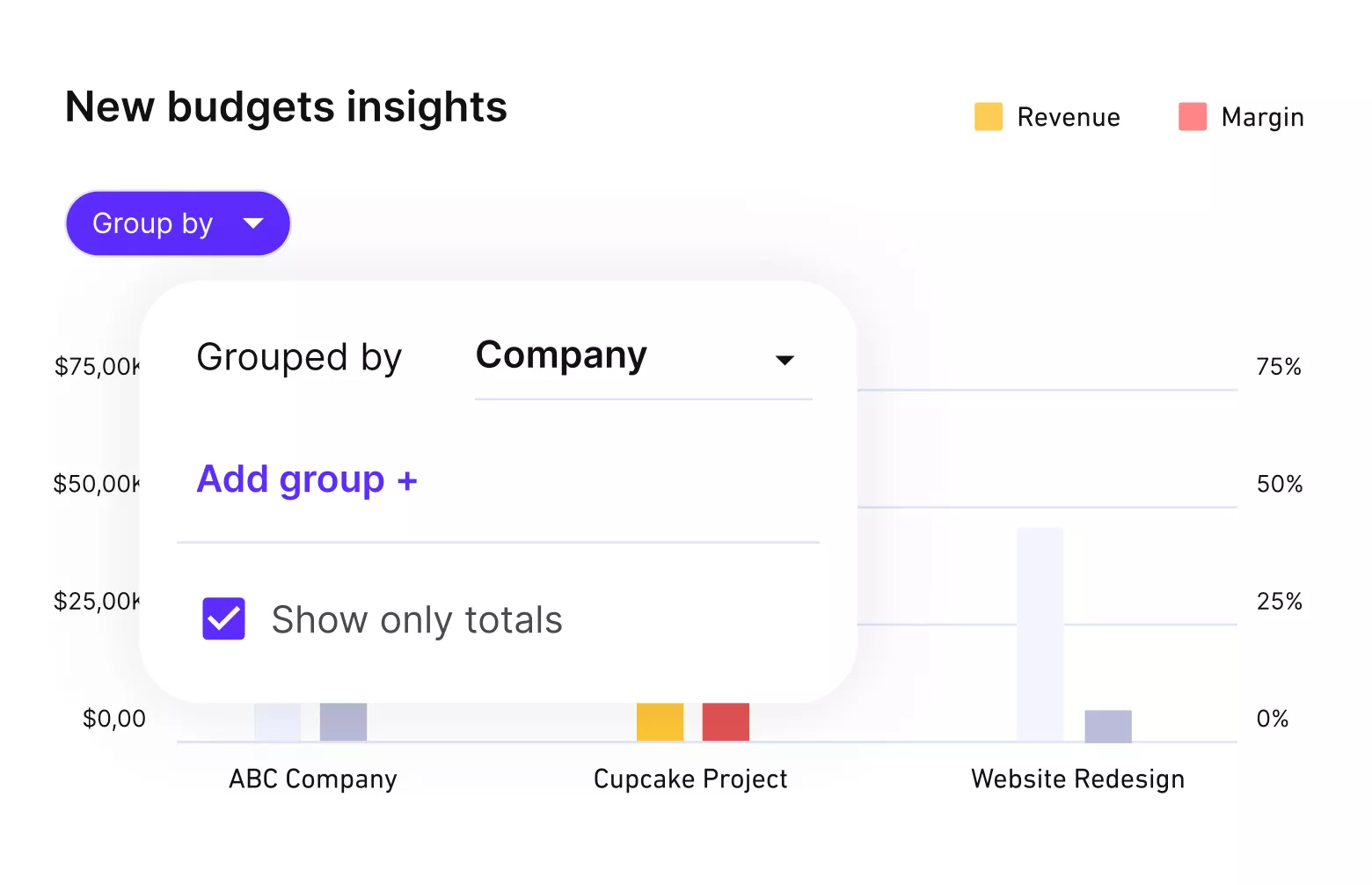
USE PRODUCTIVE TO GET FULL COST CONTROL OF BUDGETS.
If you enable overhead, budget profitability will include those costs, so your project margin reflects the full cost, not just delivery time.

From a managerial point of view, the main benefit of the tool is seeing your profitability in real time. It’s there. We don’t have to calculate it or ask for financial reports from our accountant.
Read more about how ENKI tracks profitability in real time.
Using a Single Overhead Rate Across Multiple Business Units
A single fixed overhead absorption rate can hide what’s really happening when business units have very different cost structures.
For example, one subsidiary might run lean delivery teams with low support costs, while another relies heavily on business administration, tools, or internal coordination. If both use the same global rate, you can end up assigning too much overhead to the lean subsidiary and too little to the overhead-heavy subsidiary.
Over time, this makes it harder to see which parts of the business are truly healthy and which ones need attention.
Productive solves this with Overhead Cost per Subsidiary, which lets you calculate overhead separately for each subsidiary. Each subsidiary calculates its own overhead, including facility and internal costs, rather than sharing a single global rate.
If you’d like to explore other tool options, take a look at our cost management software list.
Final Thoughts
Overhead matters because it connects indirect expenses to the work that generates revenue. Without it, profitability can look fine on paper while indirect expenses quietly erode margins.
That’s where our PSA software, Productive, can help professional services teams calculate overhead cost per hour and apply it directly to tracked work. With overhead built into projects, profitability reflects real costs in real time.
Book a demo to see how Productive can give your professional services team total financial clarity.
Add Overhead to Tracked Hours in One Platform
In Productive, track project profitability with overhead included, automatically as your team tracks time.
